

01
What an AI thumbnail generator should actually do
A useful AI thumbnail generator does more than turn one sentence into a pretty image. A YouTube thumbnail has a job: communicate the subject and create one honest unanswered question in less than a second. That requires a clear focal subject, deliberate contrast, room for a short headline, and a composition that still works when the image is tiny.
Thumbnail Studio starts with those constraints. The selected template supplies the visual grammar, while your video description supplies the subject, stakes and setting. The generated image stays text-free so spelling, wording and placement remain editable instead of being permanently baked into the pixels.
- 60 unique templates across ten creator genres
- 16:9 YouTube composition with a deliberate headline zone
- Optional face or recurring character reference
- Fast and higher-quality generation modes with multiple variations
- Editable overlay text and exact 1280 × 720 export
02
Start from a genre, not a blank prompt
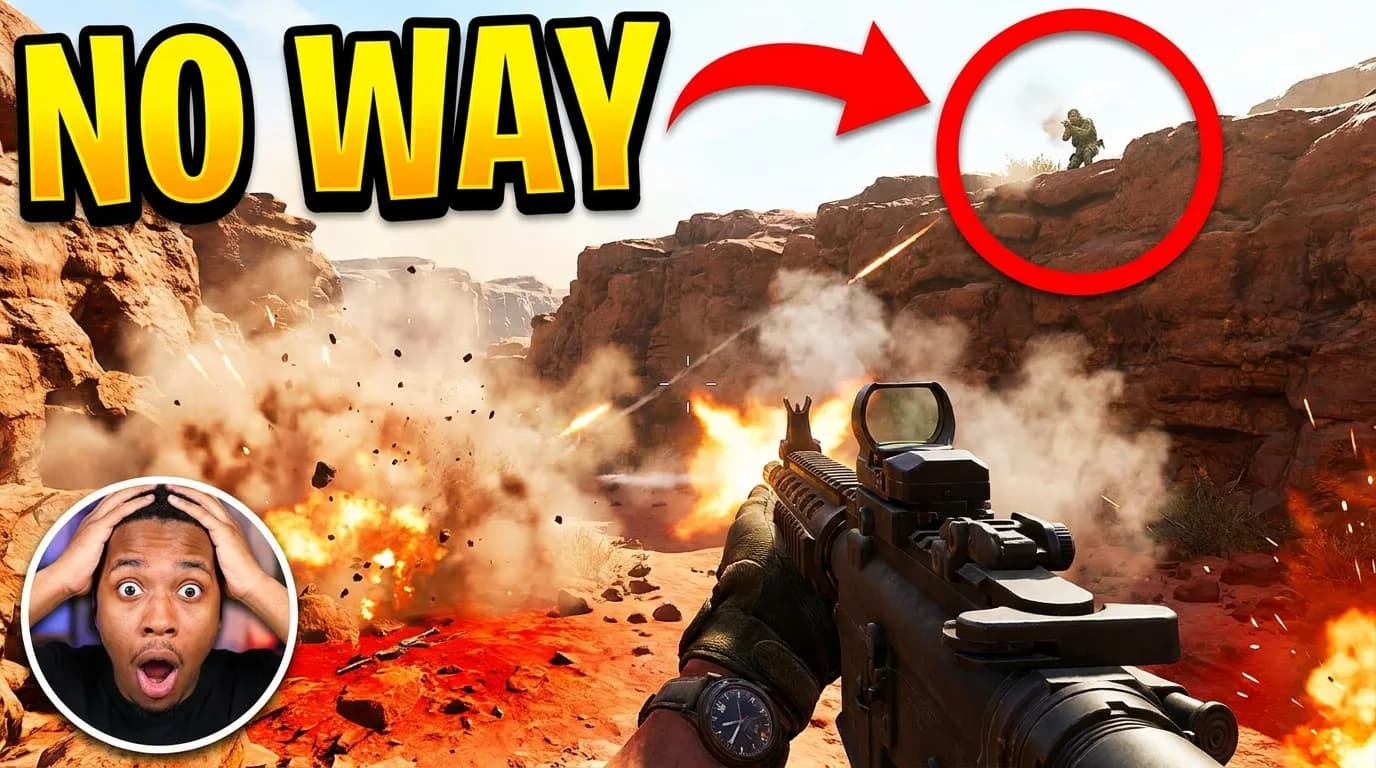
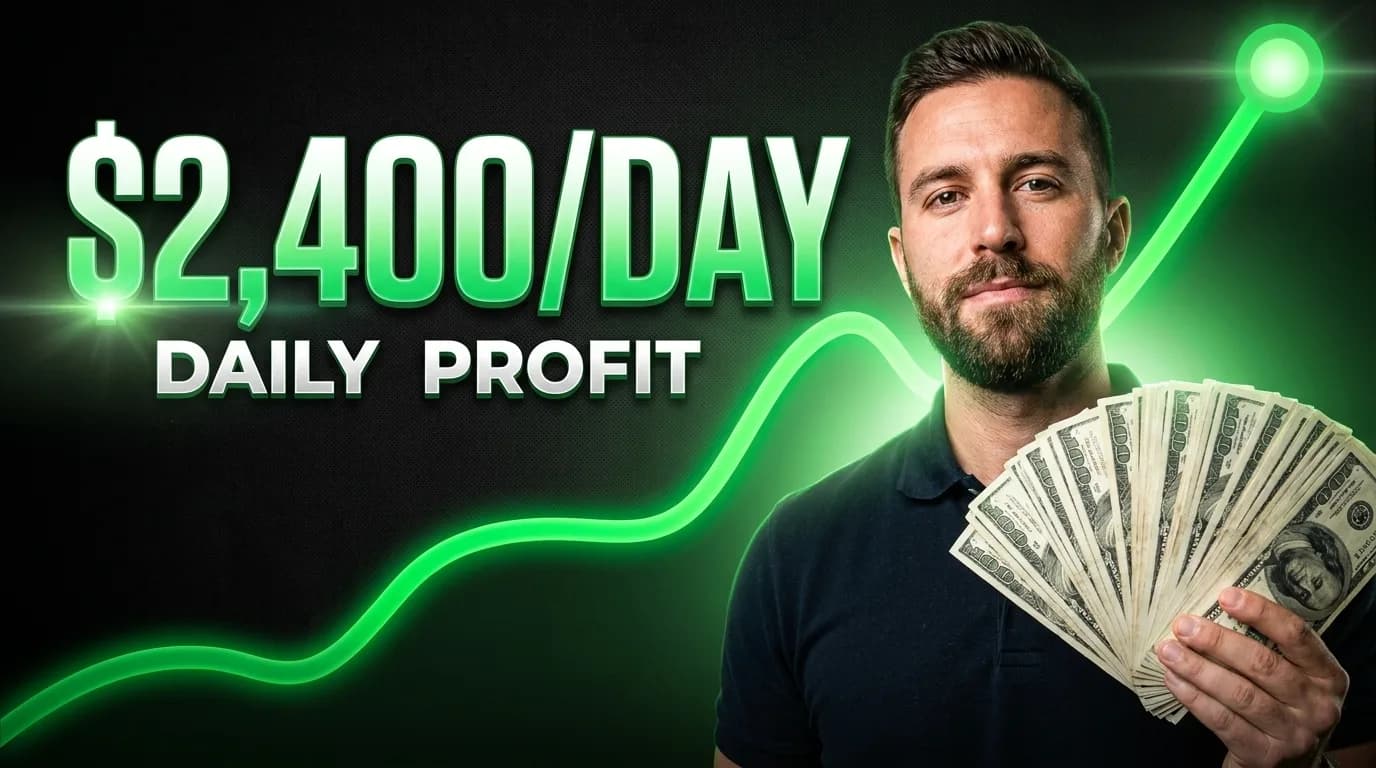
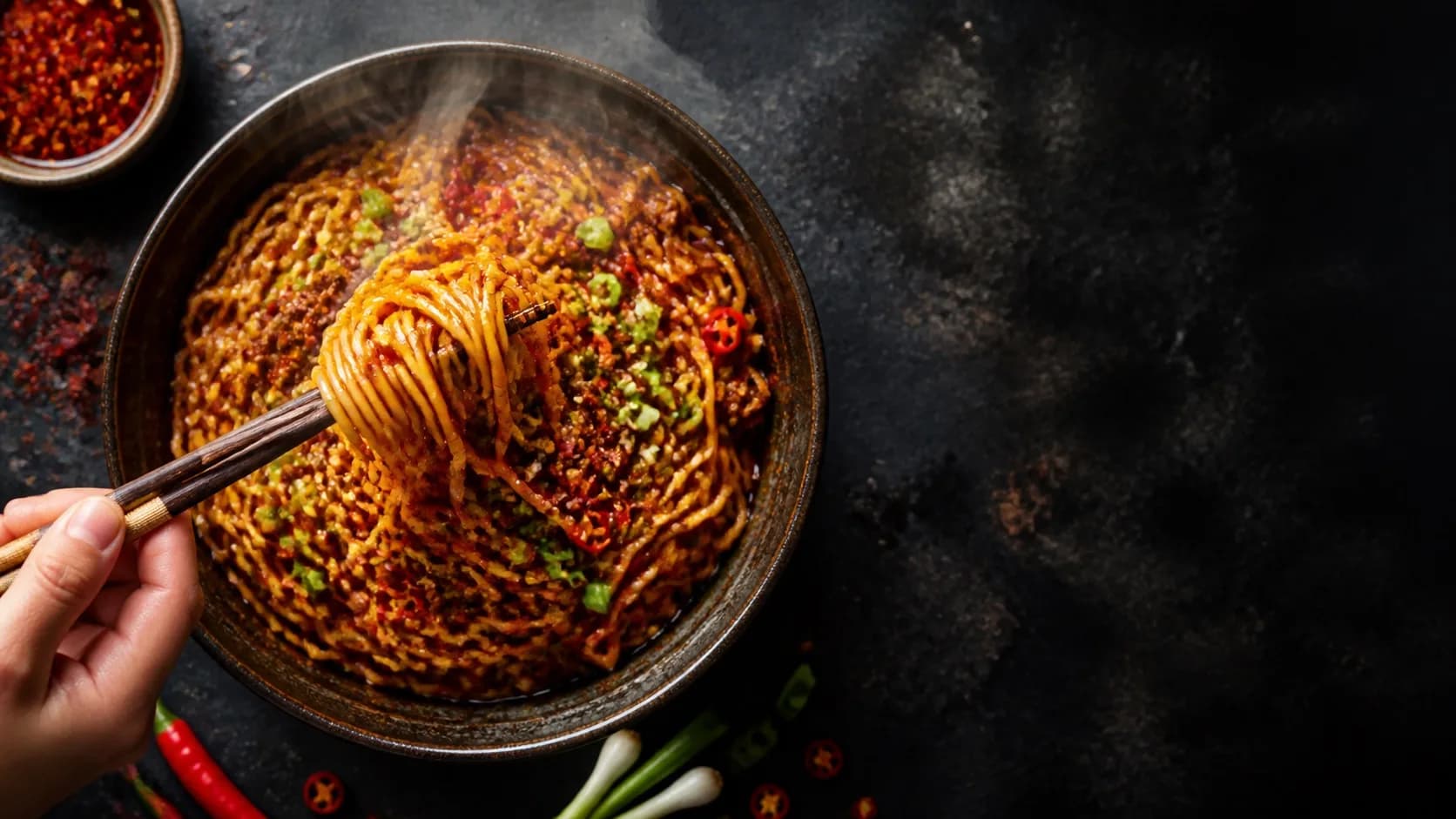
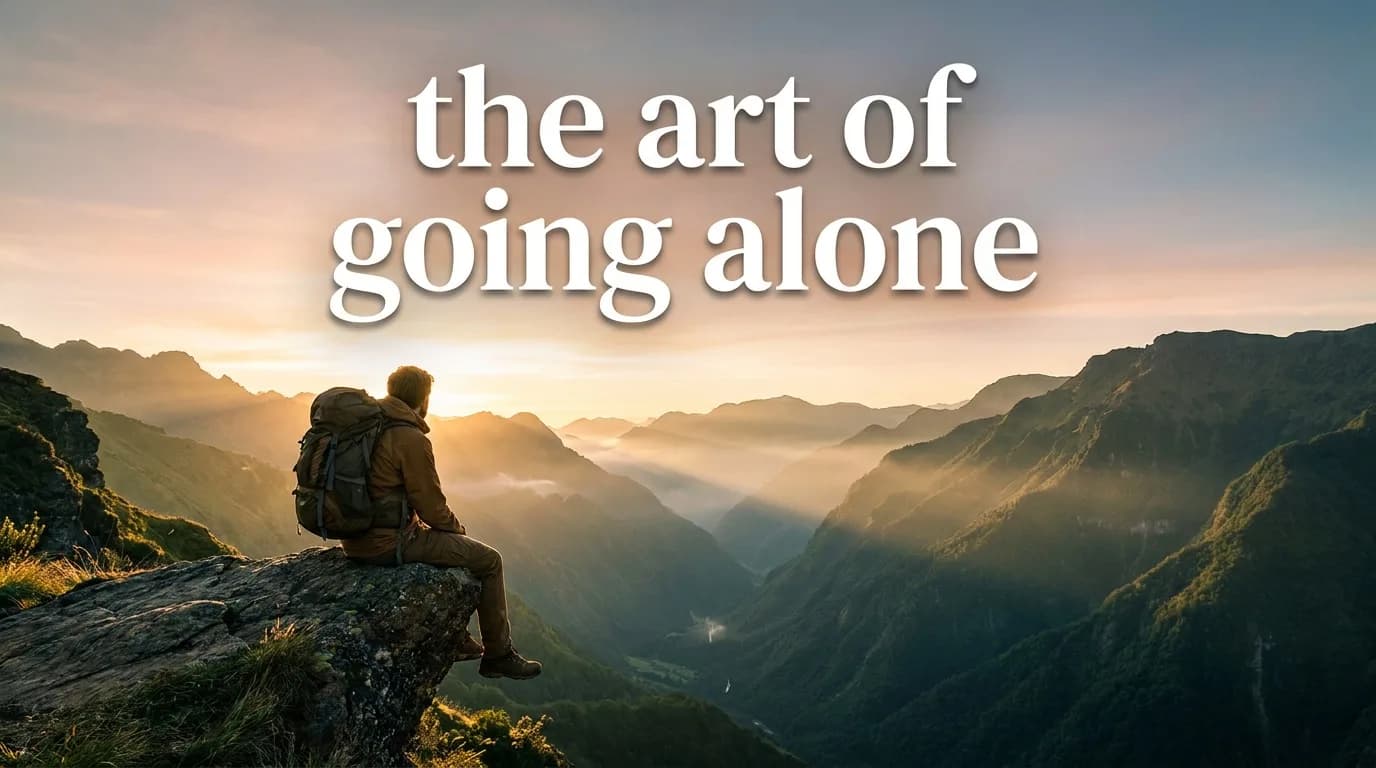
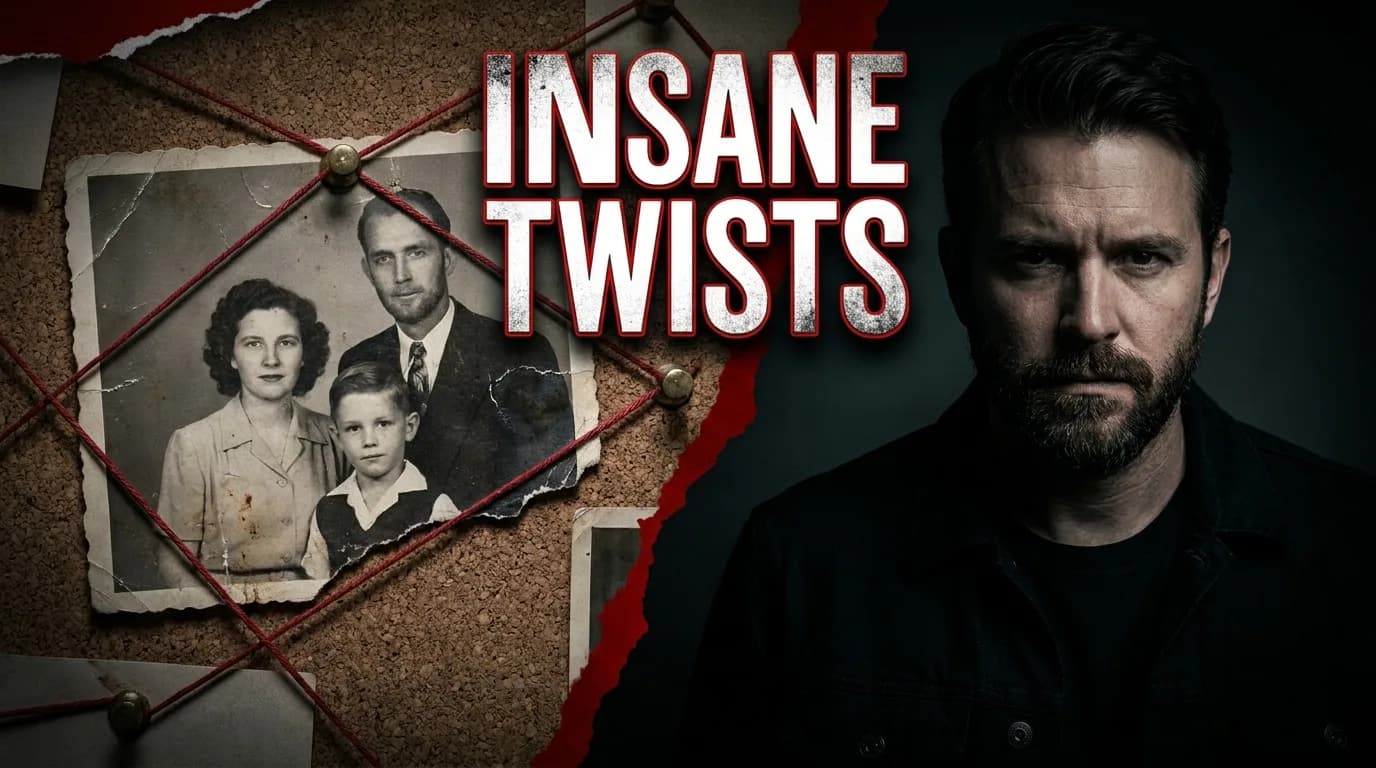
A finance reveal, recipe close-up and true-crime investigation should not share the same picture with different captions. The library is divided into Tech & AI, Gaming, Business & Money, Education & Science, Health & Fitness, Food & Home, Travel & Adventure, Entertainment, Lifestyle & Beauty, and Challenges & Stories.
Every card has its own source image, example hook, prompt guidance and composition recipe. Selecting a template also changes the question beside the input, so the brief asks for details that matter to that format: the time limit for a challenge, the measurable result for fitness, or the central clue for a mystery.
03
From video idea to usable YouTube thumbnail
Choose the closest template, then describe what the viewer will actually see in the video. Include the subject, setting, visible stake and strongest honest result. Generate two to four directions, remove anything that only looks good at full size, and keep the version with the clearest single idea.
Add a headline only when the image cannot carry the promise alone. Keep it short and make it complement the title rather than repeat it. Finally, inspect the thumbnail at roughly 168 pixels wide, the size of a suggested-video card, before exporting.
04
A thumbnail prompt that controls composition
Good thumbnail prompts describe relationships, not just objects. Specify where the main subject sits, what they are looking toward, which object carries the stake, where the empty headline area belongs, and which colors should separate the subject from the background.
Create a 16:9 YouTube thumbnail for [video topic]. Place [main subject] on the left, reacting toward [visible stake] on the right. Use [setting], [two-color palette], strong foreground separation, and clean negative space in the upper right for a short headline. One focal idea, no text, no logos, no watermark.
05
Common AI thumbnail mistakes
The usual failures are predictable: too many subjects, a background full of tiny details, unreadable AI-generated lettering, a face that no longer resembles the creator, and an image that promises something the video never delivers. More detail is rarely the fix. Strong thumbnails usually become better when one visual idea is removed.
- Do not ask the image model to render the final headline
- Do not use the same reaction-face composition for every genre
- Do not judge only on a large desktop canvas
- Do not repeat the full video title inside the thumbnail
- Do not imply a result, person or event that is absent from the video
FAQ
Frequently asked questions
- What is an AI thumbnail generator?
- It is a tool that uses an image model and a structured prompt to create thumbnail artwork from a video idea. A YouTube-specific generator should also control the 16:9 composition, preserve space for editable text and help the image remain readable at feed size.
- Can I use my own face in an AI-generated thumbnail?
- Yes. Upload a clear, front-facing reference photo when a template calls for a creator portrait. The face reference guides identity while the template controls pose, lighting, background and supporting objects.
- What size should an AI YouTube thumbnail be?
- Export at 1280 × 720 pixels in a 16:9 aspect ratio. Design at full resolution, but always check that the subject and any headline remain clear around 168 to 320 pixels wide.
- Should the AI generate text inside the image?
- Usually no. Generate the artwork without text, then add the headline as a separate editable layer. This avoids misspellings and lets you change wording, type style and placement without regenerating the image.