WhatToUpload

Stop guessing what
to post on YouTube.

WhatToUpload helps you find ideas, package them and create videos your audience will want to watch — and it remembers every creative decision you make, so your next video starts smarter than the last.

No channel connection required. No view predictions, ever.

Your idea

“I let Claude redesign my portfolio site from scratch”

Curiosity

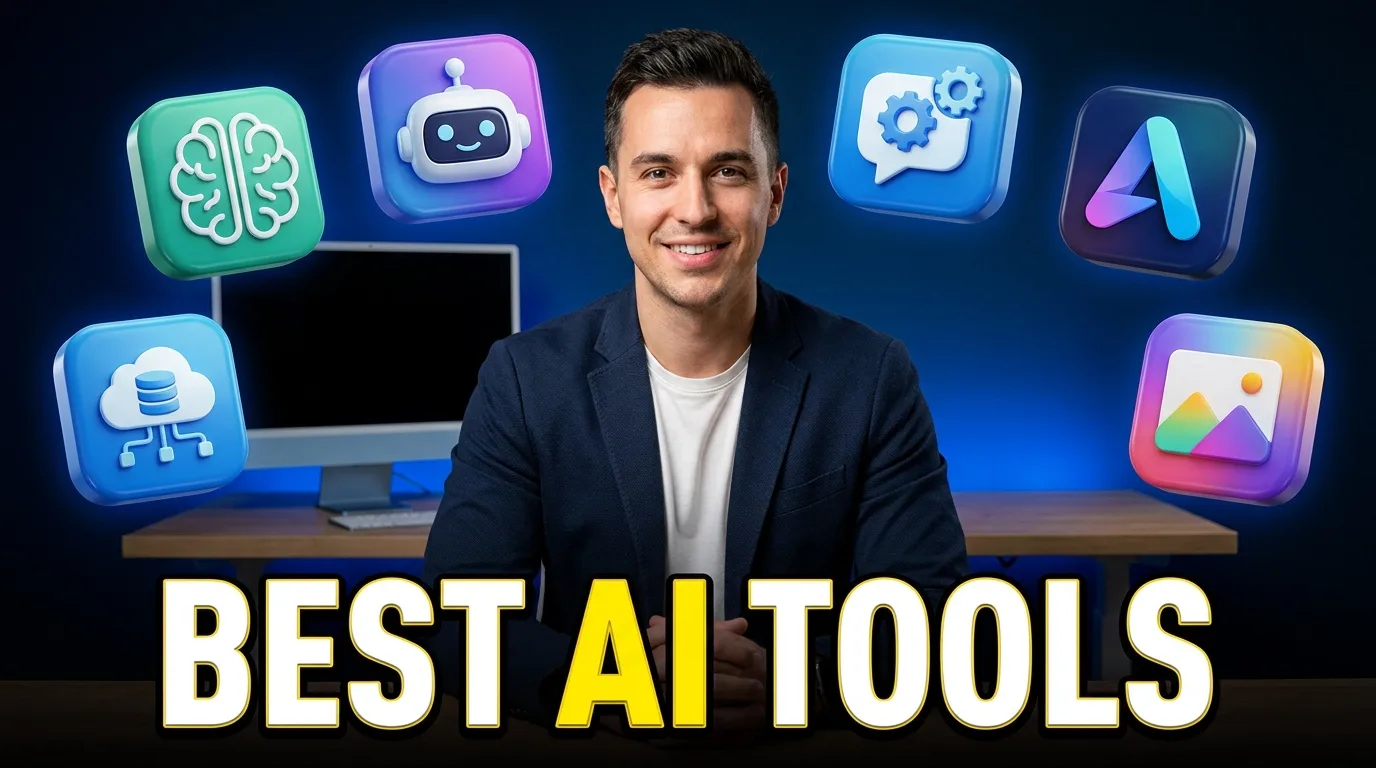
I Let Claude Design My Website

I expected this to fall apart after ten minutes.

Challenge

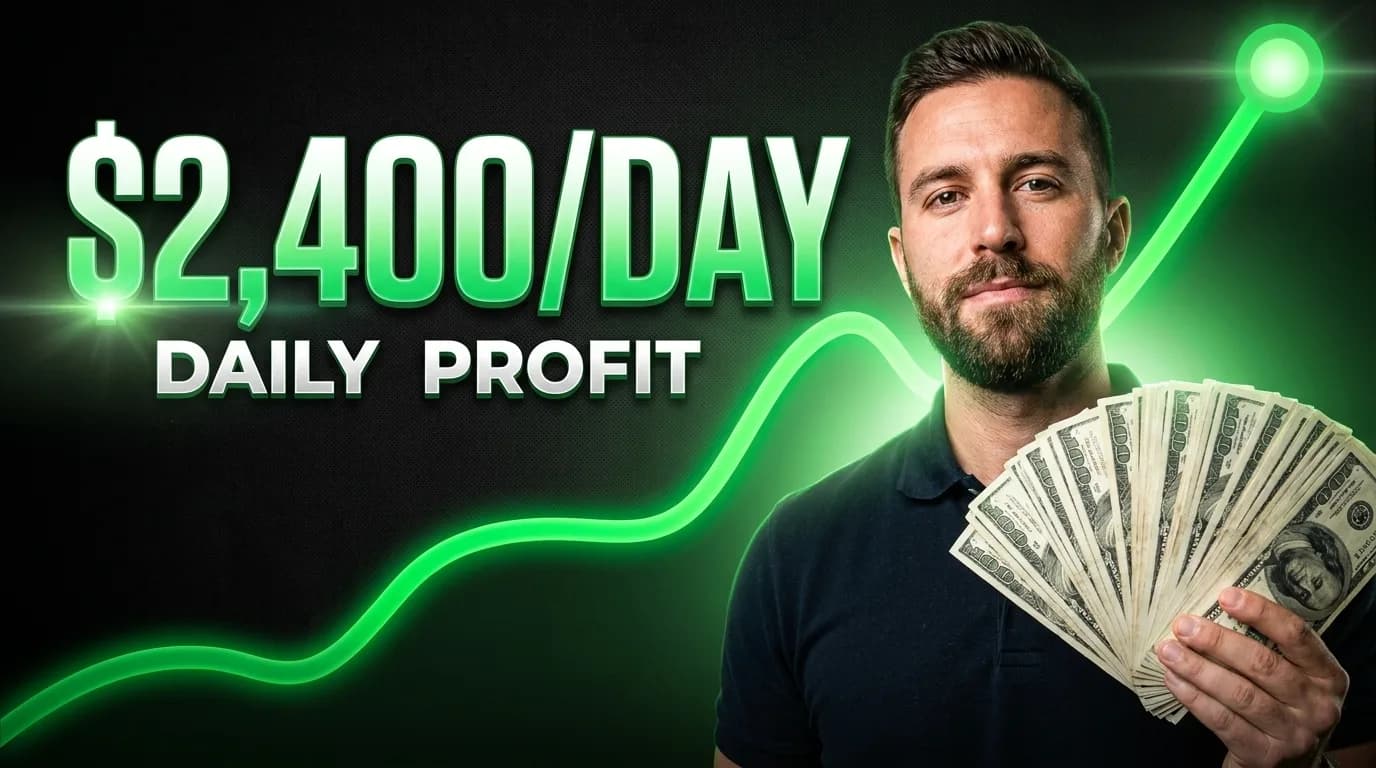
Can AI Replace a UI Designer?

One of these designs was made by a machine.

ResultSelected

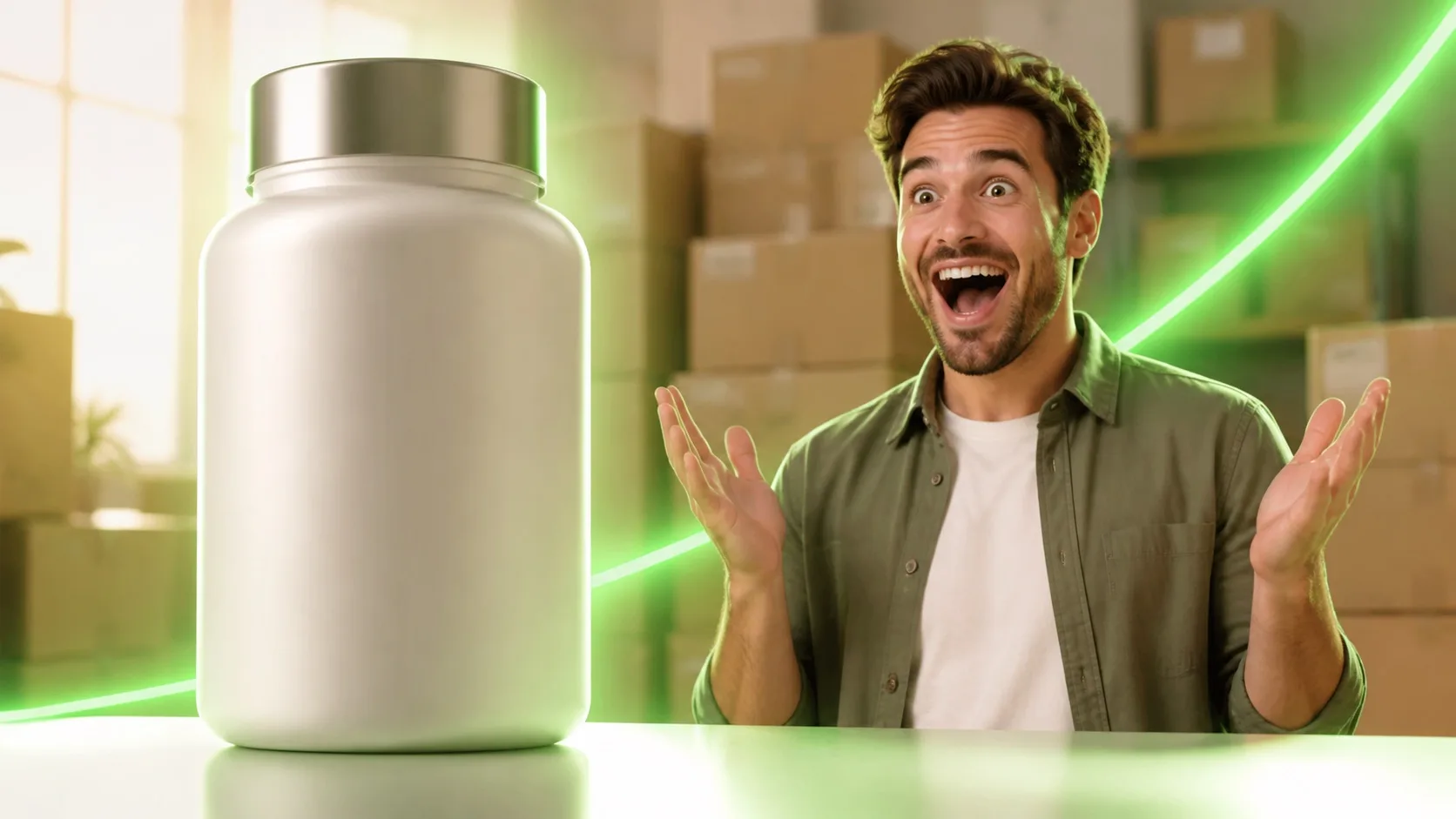
Claude Designed This in 10 Minutes

This entire page — ten minutes, zero mockups.

Creator Brain noted: you picked result-first again · ≤ 2 words of thumbnail text

The workflow, end to end

Idea → packaging → thumbnail → script. One shared memory underneath.

How the memory works

Not every action means the same thing. Decisions are weighted by how much intent they carry, and a preference only forms once enough evidence accumulates — never from a single click.

Decision signal strengths and examples
SignalWeightExample
ViewedweakYou looked at a generated option
SavedmoderateYou kept an idea for later
SelectedstrongYou picked title B over A and C
Edited + exportedvery strongYou reworked a thumbnail and shipped it
ExplicithighestYou marked “I like this style”

Every learned preference shows its evidence on the Creator Brain page, where you can correct it, delete it, or switch learning off entirely.

Straight answers

What does WhatToUpload actually do today?

You dump ideas into an inbox, develop them with AI into angles and openings, and every save, shortlist or rejection is logged as a decision. A background job turns accumulated decisions into preferences with confidence scores — visible and deletable on your Creator Brain page. Packaging, thumbnails and scripts are being built on top of that memory.

Does it predict views or CTR?

No, and it won't. Nobody can predict that honestly, so we don't fake it with scores. Analysis here is qualitative: what a title promises, what stays unresolved, whether the thumbnail just repeats the title.

Do I need to connect my YouTube channel?

No. Everything works from what you tell it and what you decide inside the app. Connecting YouTube later adds your upload history as context — it never defines the product.

What happens to what it learns about me?

It's yours. Every learned preference shows its evidence, can be corrected or deleted, and learning can be switched off entirely. No preference is formed from a single action.

How is this different from asking ChatGPT for titles?

A chatbot starts from zero every session. WhatToUpload accumulates structured memory: your title patterns, thumbnail style, avoided topics and rejected ideas. Six months in, the same prompt should produce visibly different — and more you-shaped — results here.

What does it cost?

It's free during early access. Planned pricing starts at $0 for the free plan and $12/month for the Creator plan — see the pricing page for the full breakdown.

Six months from now, it should feel like it was trained on you.

That's the test we build against: the same idea, planned by a fresh chatbot and by your six-month-old Creator Brain, should produce unmistakably different results.

Start free