
Comparison
WhatToUpload vs StoryShort: an honest comparison (2026)
StoryShort is an autopilot: you create a series, and it generates videos with AI images or AI video models and posts them to TikTok, YouTube and Instagram up to four times a day. WhatToUpload makes each video you ask for, in one of three styles drawn as code, and you post it yourself for now.
The two products agree on one thing that matters to buyers: both refund credits automatically when a render fails. Beyond that, they are built for different channels.
Side by side
- What it makes
- WhatToUpload: Finished vertical videos (9:16) from a topic in about 3 minutes: script, ElevenLabs voiceover, captions timed to the voice, music and sound
- StoryShort: Series of videos from AI images, stock, gameplay, AI video models, avatars and more; 9:16, 16:9 or 1:1
- Look
- WhatToUpload: Three styles drawn as code: Kinetic type, Ink stickman, Diagram explainer. Crisp type, no AI faces, nothing drifts between frames
- StoryShort: AI images in basic, premium or ultra quality, plus AI video models such as Seedance, Kling, Veo 3.1 Fast and Wan
- How pricing works
- WhatToUpload: One credit balance. Fixed price per style and length: 30 s is 26 credits (Kinetic type) or 30; 60 s is 42 or 48. Shown before you render
- StoryShort: Credits by length and image quality: 30 s about 15, 60 s about 25 with basic images; over 60 s costs 25% more
- Entry price (as of 4 Nov 2026)
- WhatToUpload: Creator $19/month for 500 credits; Pro $49 for 2,000; Studio $99 for 4,500
- StoryShort: Starter $39/month for 400 credits; Growth $69 for 1,200; Influencer $129; Ultra $199. About 40% off billed yearly
- Price per video
- WhatToUpload: Creator: $19 / 19 videos of 30 s, about $1.00 each. Pro: $49 / 76, about $0.64. A 60 s Kinetic type video on Pro is about $1.03
- StoryShort: Basic images: Starter $1.46 per 30 s, $2.44 per 60 s; Growth $0.86 / $1.44. Premium images 60 s on Growth about $3.22
- Auto-posting and series
- WhatToUpload: Not yet. Auto-posting and scheduling to YouTube, Instagram and TikTok are coming soon, on Pro and Studio; today you download the MP4. Not yet. Series and autopilot are coming soon; each video is started by hand today
- StoryShort: Yes: 1 to 4 series by plan, each posting up to 4 times a day to TikTok, YouTube and Instagram
- Credits that carry over
- WhatToUpload: Monthly credits roll over while subscribed; top-ups (100 for $9, 500 for $39) never expire
- StoryShort: Unused credits roll over, capped at 2x the monthly allowance
- Failed renders
- WhatToUpload: Credits refund automatically when a render fails
- StoryShort: Credits return automatically, per their help centre
- Free tier
- WhatToUpload: No free tier: plans start at $19/month
- StoryShort: No free trial; a free account gets no credits
What our output looks like
Three untouched renders from Video Studio, one per live style. Each started as a one-line topic.
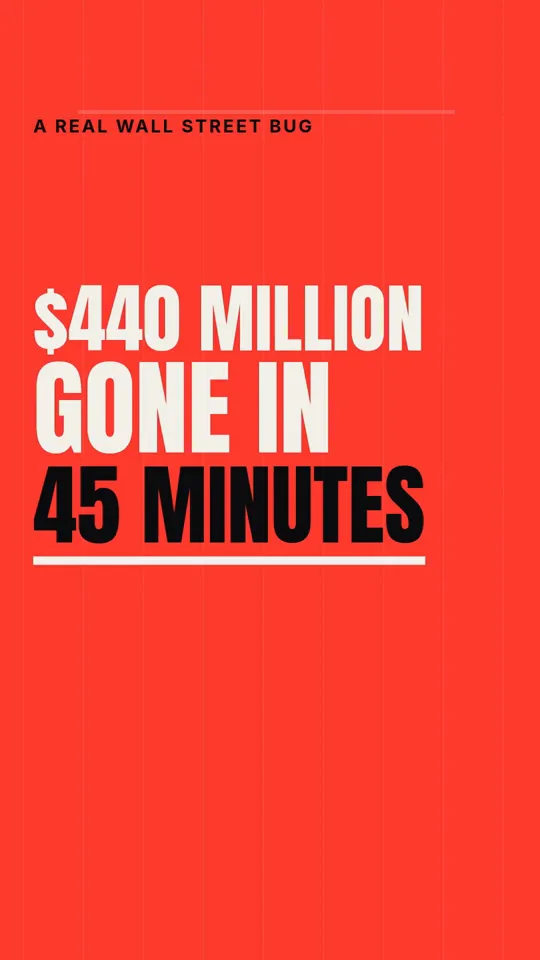
Kinetic type · 33 s

Ink stickman · 35 s
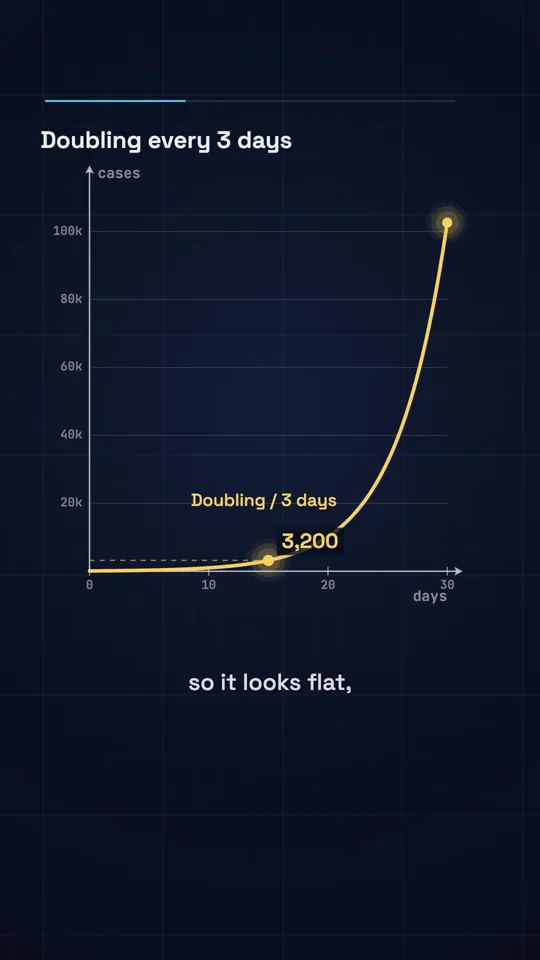
Diagram explainer · 41 s
What a 30 second video costs
On StoryShort Starter ($39 for 400 credits) a 30 second video with basic images is about 15 credits, so about $1.46, and a 60 second one about $2.44. On Growth ($69 for 1,200) those fall to about $0.86 and $1.44 (as of 4 Nov 2026). Premium and ultra images, and AI video models, cost several times more.
With us a 30 second video is about $1.00 on Creator and $0.64 on Pro, and a 60 second Kinetic type video about $1.03 on Pro. Our entry plan is $20 cheaper a month, which matters if you are testing a channel. At the same spend the two are close for basic videos; ours has no premium image tier because nothing in it is a generated image.
Autopilot versus a studio
StoryShort's series model is its centre: pick a theme and it keeps posting. That is the thing we do not do yet. Series, autopilot and auto-posting (on Pro and Studio) are coming soon at WhatToUpload; today each video is started by you and downloaded as an MP4.
Where we differ is control over each video and how it looks. Claude writes the script from real facts, and our renderer draws the frames as code, so captions and labels stay crisp and a series keeps the same fonts, colours and pacing on episode fifty as on episode one. We also include planning tools StoryShort does not focus on: an idea engine for what to make next, and title, hook, thumbnail and script tools for long-form uploads.
Where StoryShort is better
A comparison page that claims the competitor has no strengths is marketing, not information. These are real.
- Series that generate and post to TikTok, YouTube and Instagram automatically, up to 4 times a day
- AI video models (Seedance, Kling, Veo 3.1 Fast and more) and talking avatars
- Many formats, including gameplay, brainrot, UGC ads and long videos of 8 to 10 minutes on higher plans
- Horizontal and square output as well as vertical
- An API and MCP server
Questions
Is WhatToUpload a StoryShort alternative?
For making explainer and facts videos, yes, at a lower entry price. For a series that posts on its own, not yet: auto-posting (on Pro and Studio) and series are coming soon on our side.
Which is cheaper?
For a 30 second video: about $1.00 with us on Creator against about $1.46 on StoryShort Starter, and $0.64 on our Pro against $0.86 on their Growth (as of 4 Nov 2026). For 60 seconds the gap narrows on the bigger plans.
Do both refund failed renders?
Yes. StoryShort's help centre says credits return automatically for a failed video, clip or image. Ours refund automatically too.
Is there a free trial?
StoryShort says there is no free trial now. Neither do we: plans start at $19/month, the price of every video shows before you render, and you can cancel any time.
Can I make horizontal videos?
StoryShort offers 9:16, 16:9 and 1:1. We make vertical 9:16 videos only.