
Comparison
WhatToUpload vs Crayo: an honest comparison (2026)
Crayo is a short-form editor built around templates: Reddit stories, fake text conversations, AutoClip and more, with voiceover, AI images and a view tracker. WhatToUpload is a video studio that turns a topic into a finished video in one of three code-drawn styles, with no editing step.
They overlap less than the category name suggests. Crayo is strongest on the formats that dominate TikTok gameplay and story channels. We are built for explainers, history and facts, where the words and diagrams on screen have to be readable and right.
Side by side
- What it makes
- WhatToUpload: Finished vertical videos (9:16) from a topic in about 3 minutes: script, ElevenLabs voiceover, captions timed to the voice, music and sound
- Crayo: Template videos: Reddit stories, fake texts, AutoClip and other workflows, edited in their app
- Look
- WhatToUpload: Three styles drawn as code: Kinetic type, Ink stickman, Diagram explainer. Crisp type, no AI faces, nothing drifts between frames
- Crayo: Template formats with voiceover, AI images and icons; no AI video models found on their pricing page
- How pricing works
- WhatToUpload: One credit balance. Fixed price per style and length: 30 s is 26 credits (Kinetic type) or 30; 60 s is 42 or 48. Shown before you render
- Crayo: Four meters: workflow credits (1 per video), export minutes, voiceover seconds and image credits
- Entry price (as of 4 Nov 2026)
- WhatToUpload: Creator $19/month for 500 credits; Pro $49 for 2,000; Studio $99 for 4,500
- Crayo: Hobby $29/month (or $19/month billed quarterly), Clipper $59 ($39 quarterly), Pro $129 ($79 quarterly). Yearly from $16.58/month
- Price per narrated video
- WhatToUpload: Creator: $19 / 19 videos of 30 s, about $1.00 each. Pro: $49 / 76, about $0.64. A 60 s Kinetic type video on Pro is about $1.03
- Crayo: Voiceover is usually the limit. Hobby: $29 / 30 voice minutes, about $0.48 per 30 s or $0.97 per 60 s. Clipper: about $0.25 / $0.49
- Auto-posting
- WhatToUpload: Not yet. Auto-posting and scheduling to YouTube, Instagram and TikTok are coming soon, on Pro and Studio; today you download the MP4
- Crayo: Not found on their pricing page
- Series and autopilot
- WhatToUpload: Not yet. Series and autopilot are coming soon; each video is started by hand today
- Crayo: Not found; Crayo is a template editor rather than an autopilot
- Failed renders
- WhatToUpload: Credits refund automatically when a render fails
- Crayo: Their docs say credits charged when a render was queued stay spent
- Free tier
- WhatToUpload: No free tier: plans start at $19/month
- Crayo: No free plan found; free web tools exist
What our output looks like
Three untouched renders from Video Studio, one per live style. Each started as a one-line topic.
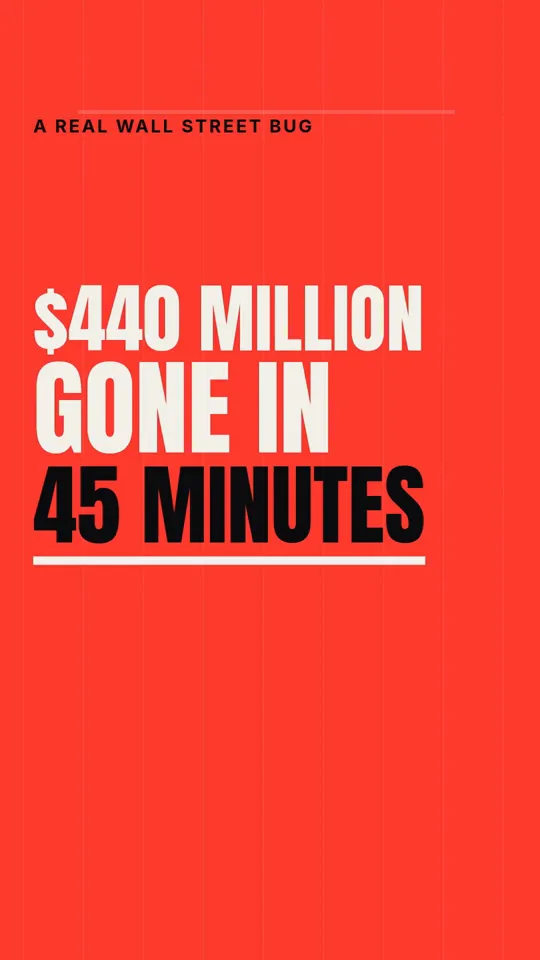
Kinetic type · 33 s
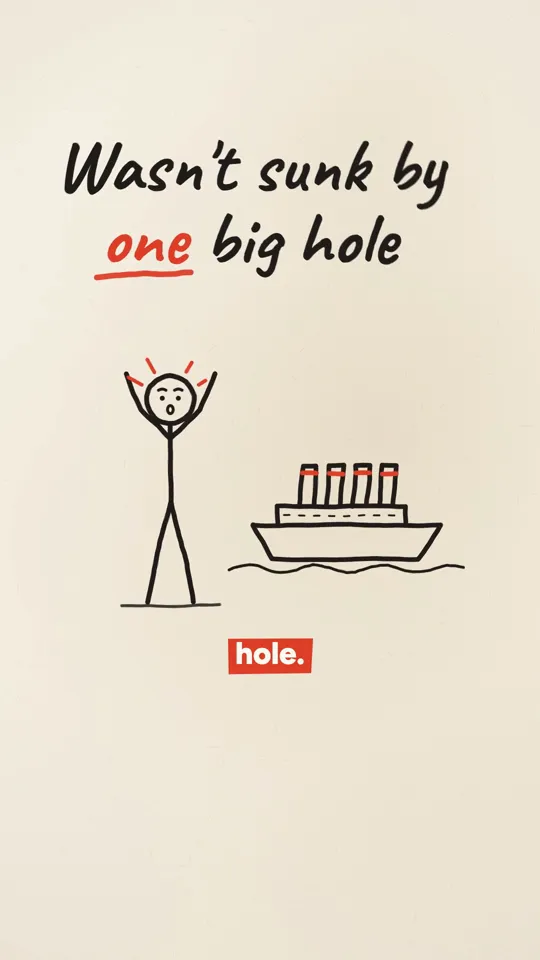
Ink stickman · 35 s
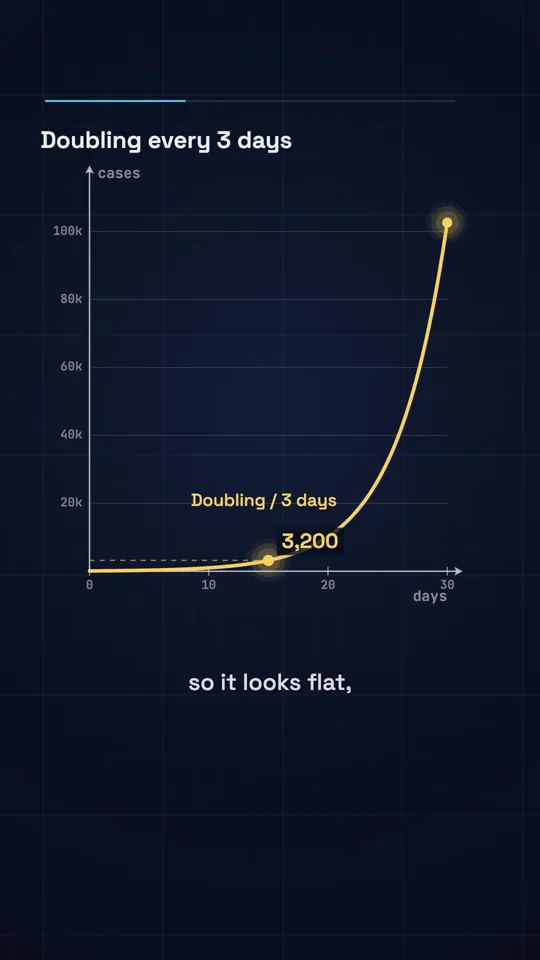
Diagram explainer · 41 s
Crayo is cheaper per narrated video
Worth saying first. On Crayo Hobby at $29 a month, the 30 minutes of voiceover cover about sixty 30 second videos, roughly $0.48 each, and Clipper brings that to about $0.25 (prices as of 4 Nov 2026). Billed quarterly it is lower again. Our 30 second video is about $1.00 on Creator and $0.64 on Pro. If cost per video is the only thing you are optimising, Crayo wins on the numbers.
What the numbers measure is different, though. A Crayo workflow gives you a template video to edit. Ours gives you a finished video with the script researched and written by Claude, every frame drawn, captions timed to the voice and music mixed. The fair comparison is your time plus the subscription, not the subscription alone.
One balance versus four meters
Crayo meters workflows, export minutes, voice seconds and images separately, and a narrated minute usually runs out of voice before it runs out of workflow credits. That is a reasonable design for an editor, and it is worth checking which meter you will hit first for the way you work.
We use one balance and one fixed price per style and length, shown before you render. Monthly credits roll over while you stay subscribed and a failed render refunds automatically. Crayo's docs say credits for a queued render stay spent, and its refund policy says all sales are final, so read both before buying a quarterly term.
Which formats each one is for
If your channel is Reddit stories over gameplay, fake text dramas or clips cut from streams, Crayo has those formats today and we do not. Reddit stories, fake texts and gameplay split-screen are on our coming soon list, nothing more.
If your channel explains things (history, money, science, psychology) our styles are made for it: Kinetic type for stories that hang on one strong line, Ink stickman for how-it-happened explainers, Diagram explainer for anything with a number in it. And because WhatToUpload started as a planning tool, the idea engine, titles, hooks and thumbnails are in the same account.
Where Crayo is better
A comparison page that claims the competitor has no strengths is marketing, not information. These are real.
- Lower cost per narrated video, especially on quarterly or yearly billing
- Reddit story, fake text and clipping formats that we do not have yet
- A real editor, so you can change any part of the video by hand
- A view tracker for your posted videos across accounts
- Free web tools you can use without a plan
Questions
Is WhatToUpload a Crayo alternative?
For explainer and facts videos, yes. For Reddit stories, fake texts and gameplay clips, not yet; those formats are coming soon on our side. We make finished videos from a topic rather than editing templates.
Which is cheaper?
Crayo, per narrated video: about $0.48 for 30 seconds on Hobby against about $1.00 on our Creator plan (as of 4 Nov 2026). Our price includes the script, the drawing and the mix, with no editing, and a failed render costs nothing.
Does either post to TikTok for me?
We do not yet; auto-posting and scheduling are coming soon, on Pro and Studio. Social publishing was not found on Crayo's pricing page.
Can I use both?
Yes. Some creators run a story channel on Crayo templates and an explainer channel on our styles. Nothing in either product conflicts with the other.