
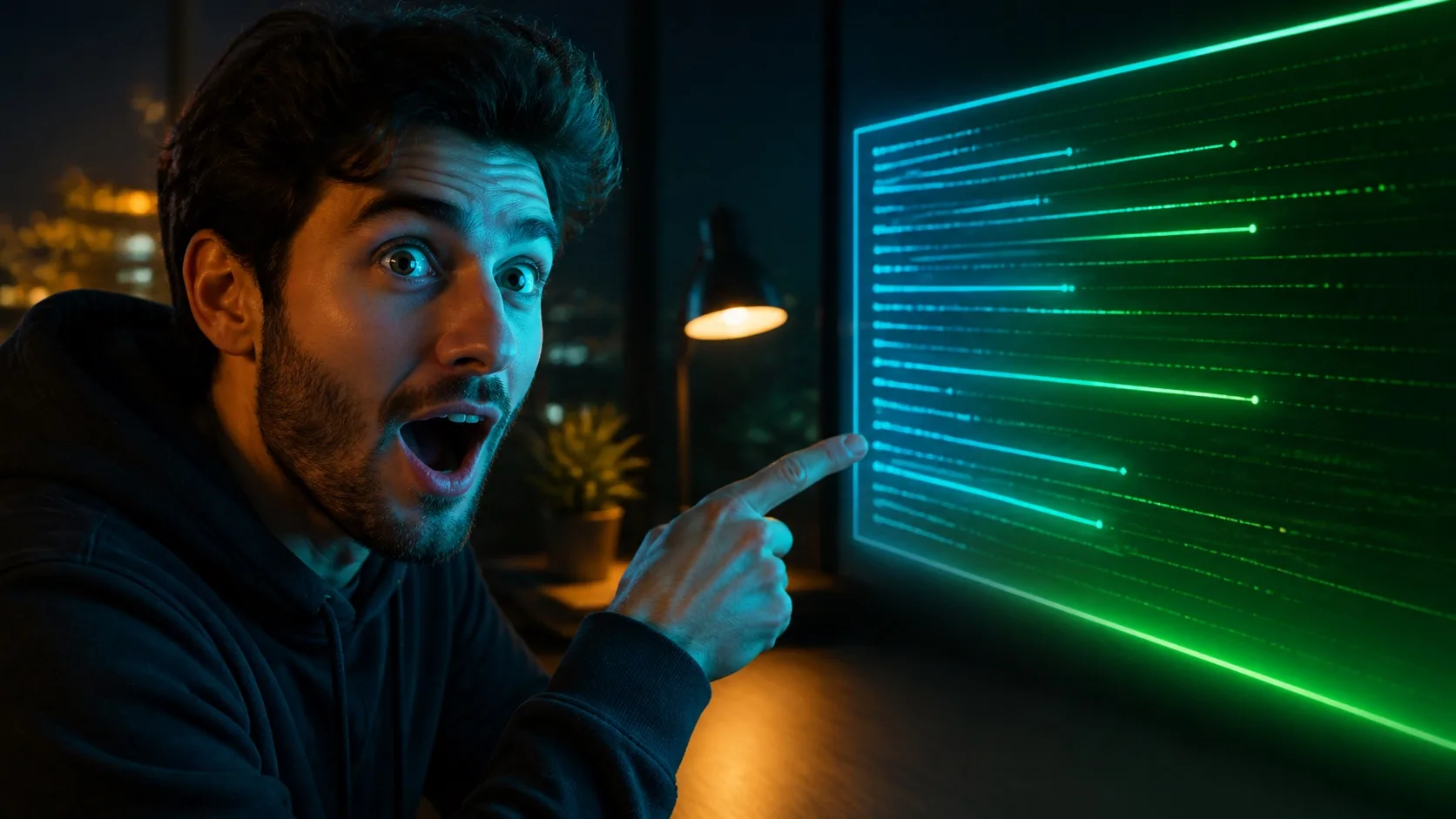
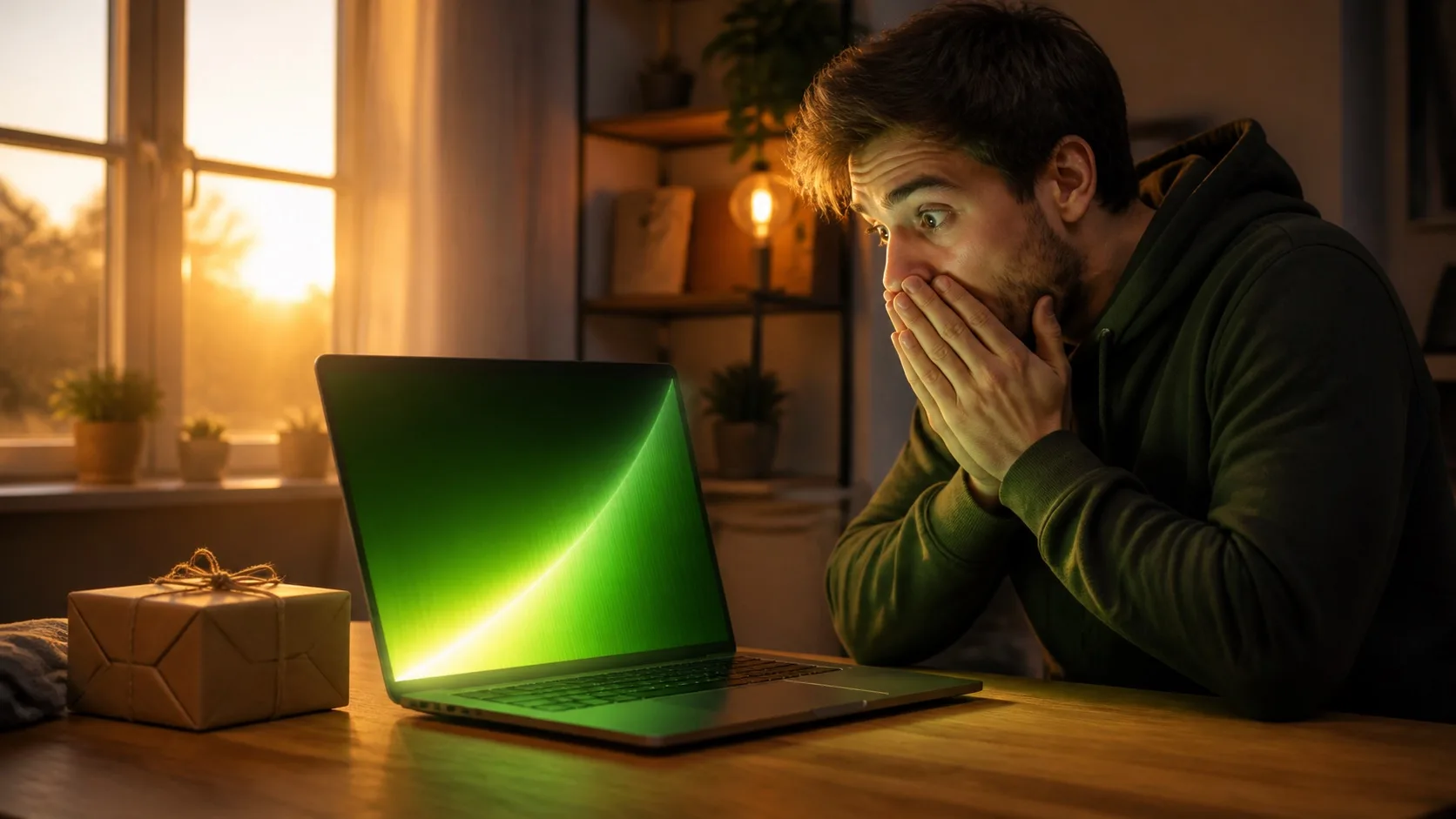

01
1. Write the click promise before the image prompt
A click promise is the specific thing the viewer expects to understand, witness or feel after clicking. It is narrower than the topic. “Japan travel” is a topic; “crossing Tokyo for one day with only $20” is a click promise. The second gives the thumbnail a place, a constraint and a visible stake.
Write one sentence that states what happens, who or what matters, and why this version is interesting. If the sentence needs three outcomes joined by commas, the thumbnail will probably be crowded too.
02
2. Choose one visual relationship
Most strong thumbnails can be described as one relationship: person versus obstacle, before versus after, tiny subject versus huge environment, product plus verdict, clue plus unanswered question, or result plus method. Pick the relationship that makes the video understandable without relying on tiny labels.
- Challenge: creator versus a visible time, budget or physical constraint
- Tutorial: finished result plus the tool or method that produced it
- Review: oversized product plus a readable verdict expression
- Explainer: one familiar object versus one surprising visual metaphor
- Story: one emotional face plus one meaningful place or object
03
3. Use a five-part AI thumbnail prompt
A dependable prompt includes the format, subject placement, supporting stake, visual treatment and exclusions. Concrete camera and lighting directions help, but only after the hierarchy is clear. The model should know what dominates the frame before it knows whether the light is cinematic.
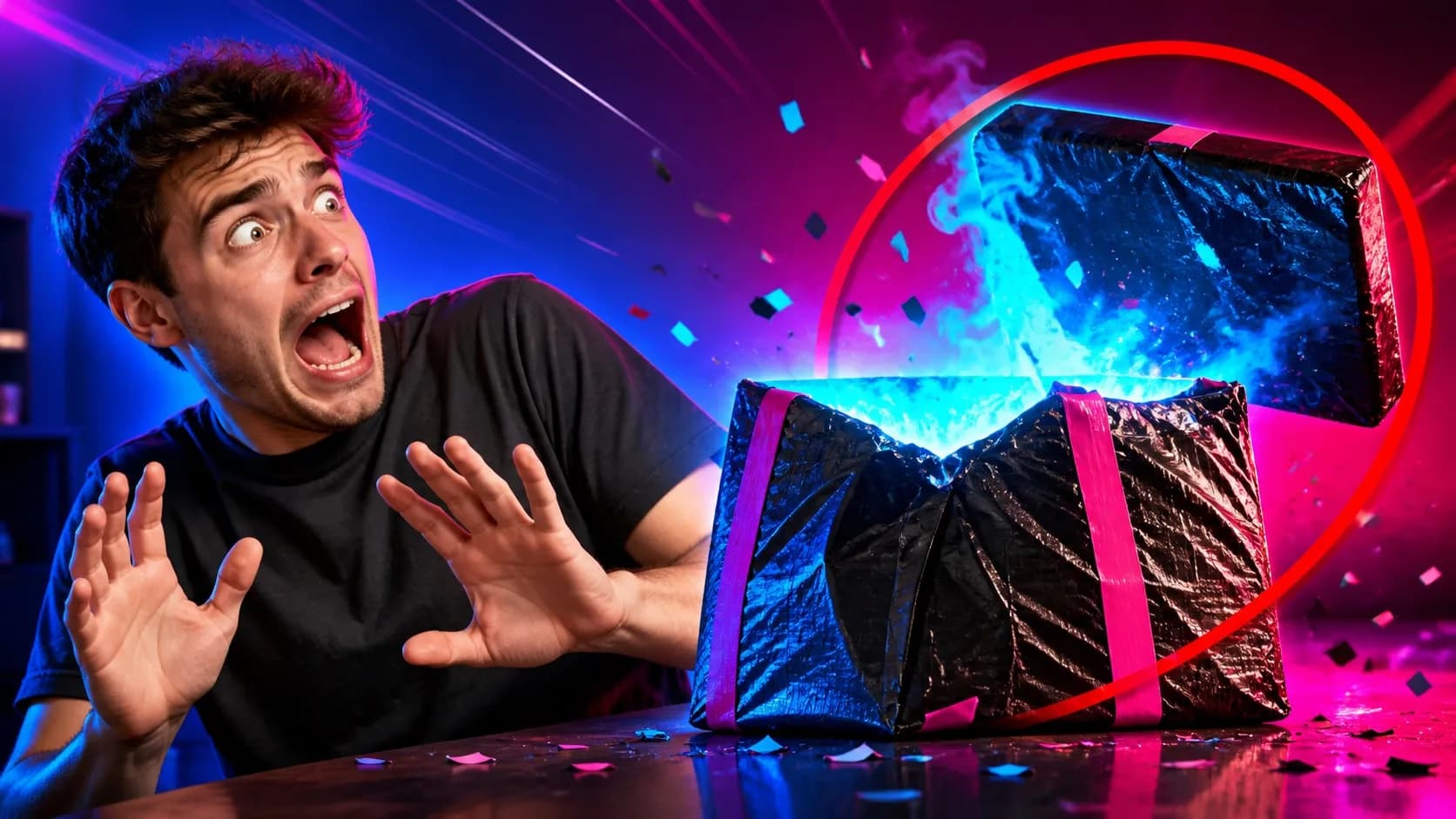
16:9 YouTube thumbnail. [Main subject and expression] positioned [left/right/center], looking or moving toward [one supporting object or stake]. Background: [specific setting] with strong depth but minimal clutter. [Color A] and [Color B] lighting, clear silhouette, empty [location] for a future 2–4 word headline. No text, letters, logos, watermark, extra people or tiny UI.
04
4. Adapt the prompt to the genre
The same prompt structure can support very different genres when the visual grammar changes. Gaming benefits from scale and motion; finance needs concrete stakes and disciplined chart cues; food needs tactile macro detail; travel needs depth and human scale; tutorials need a clear finished result.
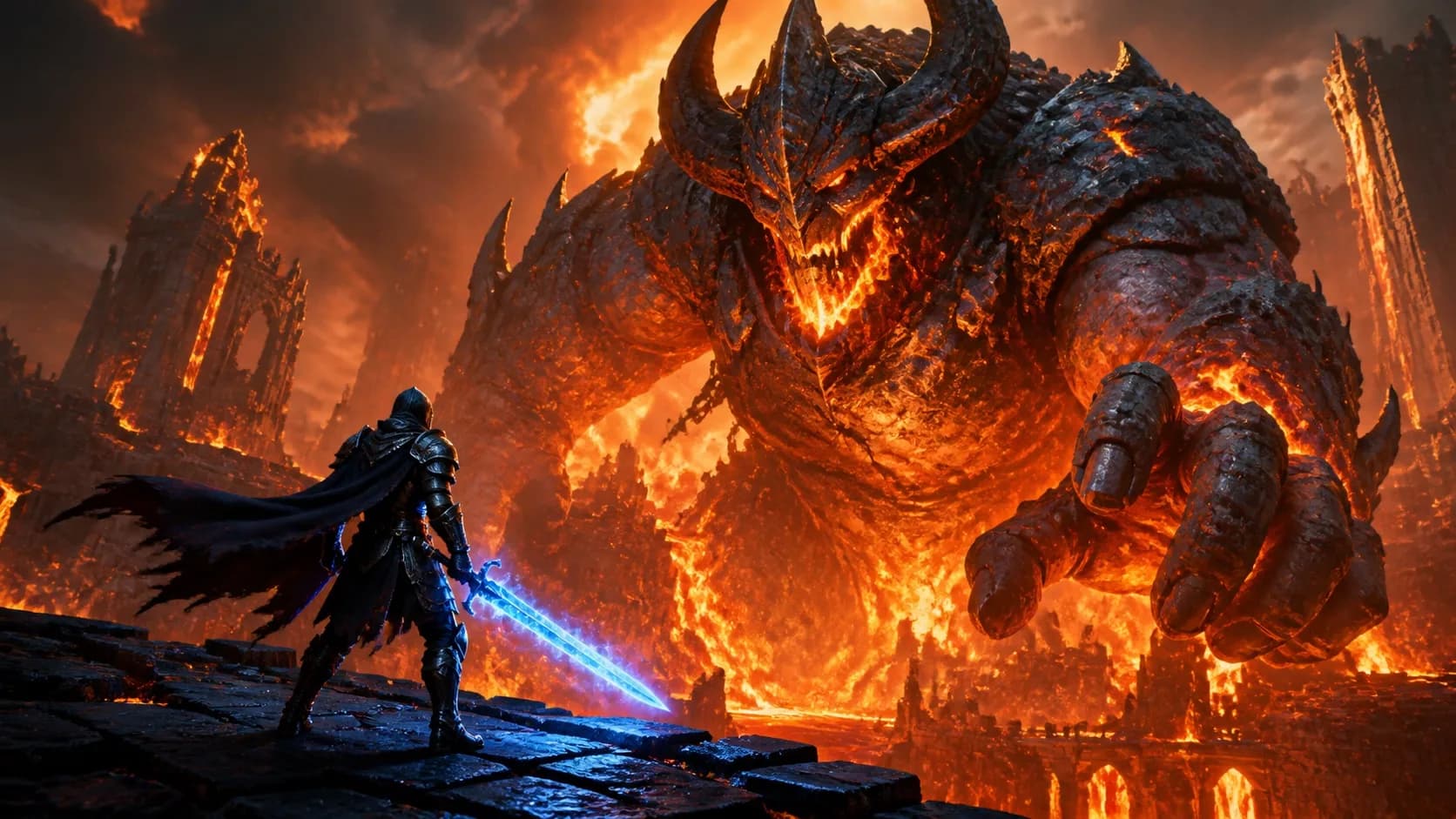
- Gaming: tiny player facing one enormous threat, fiery backlight, visible finish goal
- Business: serious creator beside one rising or falling metric, premium dark setting
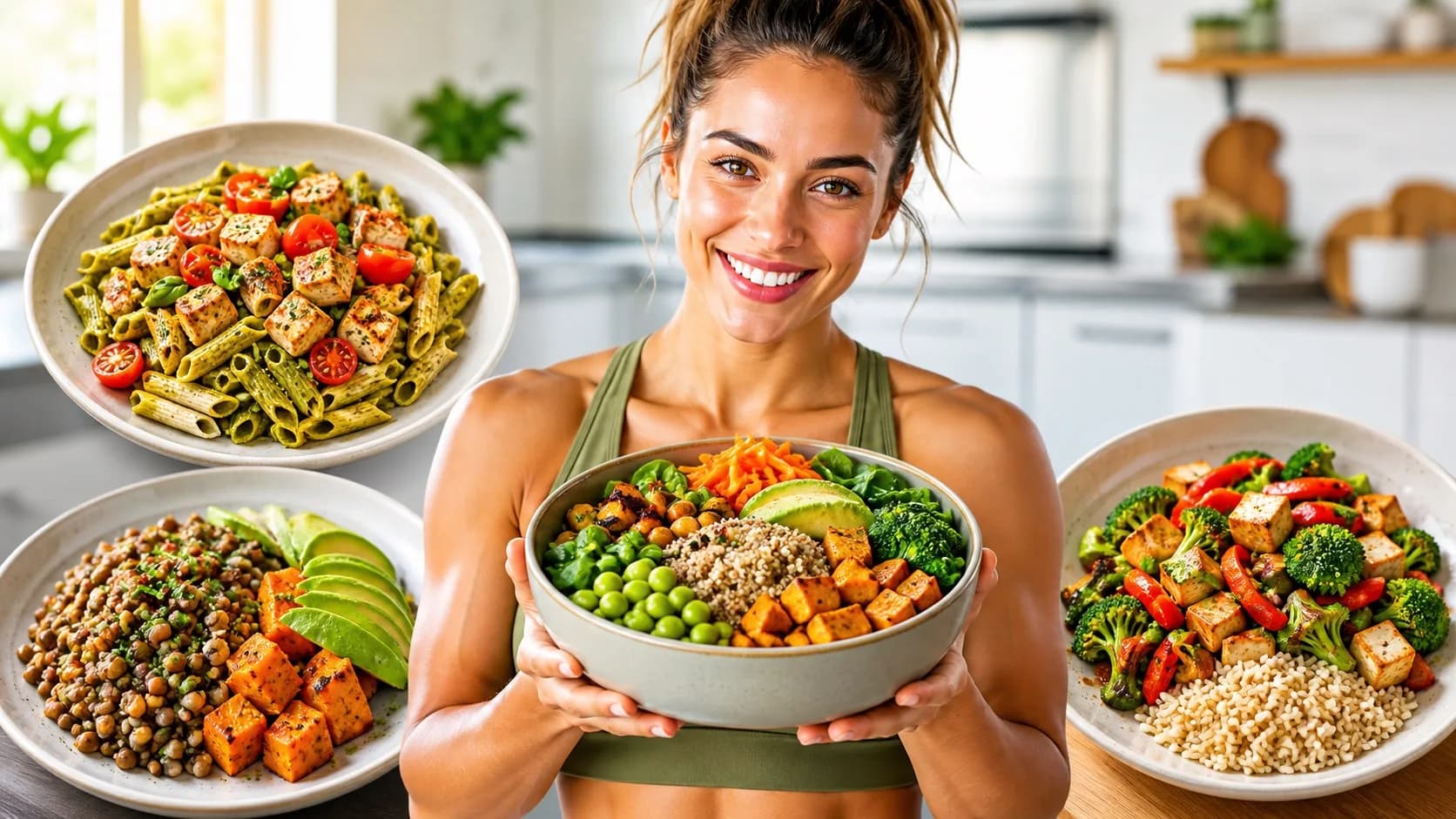
- Food: one hero dish in macro detail, steam, hand adding a final garnish
- Travel: destination as hero, small traveler for scale, clean sky for optional text
- Tutorial: finished transformation on the large side, tool or method clearly visible
05
5. Generate the image first and add text afterward
Image models can produce convincing scenes but still make unreliable lettering. Keep “no text, no letters” in the image prompt and apply the final headline in a normal text layer. That gives you exact spelling, a consistent channel type style and the freedom to test several hooks on one image.
Use zero to four words. The headline should add information the video title does not already say. If the title is “I Used AI to Redesign My Website,” a thumbnail line like “10 MINUTES” creates a new stake; repeating “AI WEBSITE REDESIGN” does not.
06
6. Run the feed-size test
Shrink the thumbnail to the size of a suggested-video card. Look away, then look back for one second. Can you identify the main subject, understand the contrast and read every word? If not, remove an element, enlarge the focal subject or increase separation before generating more variations.
FAQ
Frequently asked questions
- What should I type to generate a thumbnail with AI?
- Describe the video’s visible promise, one main subject, one supporting object or stake, the setting, the two-color contrast and where headline space should remain. End with exclusions such as no text, no logos and no extra people.
- How many AI thumbnail variations should I generate?
- Start with two to four genuinely different compositions. More variations of the same crowded idea rarely help. Compare the focal point and promise first, then refine the strongest direction.
- Can AI make a YouTube thumbnail from a video title?
- Yes, but a title alone often lacks the visible details needed for a strong result. Add what happens in the video, the setting, the real stake and the strongest honest outcome.
- How do I stop AI thumbnails from looking generic?
- Use a specific setting, visual relationship and constraint. Replace broad style words such as “epic” with concrete directions about scale, placement, lighting, props and negative space.