
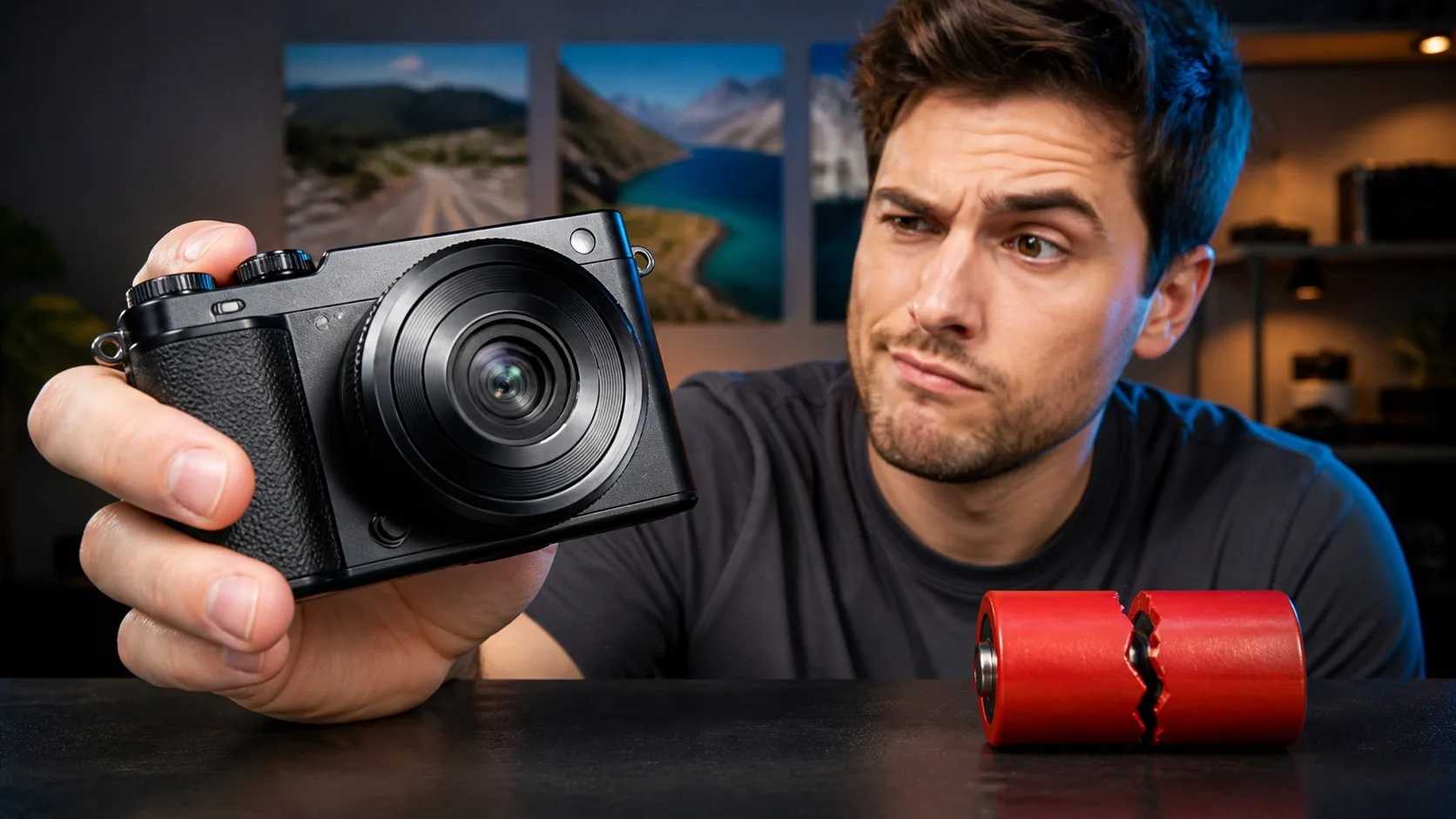
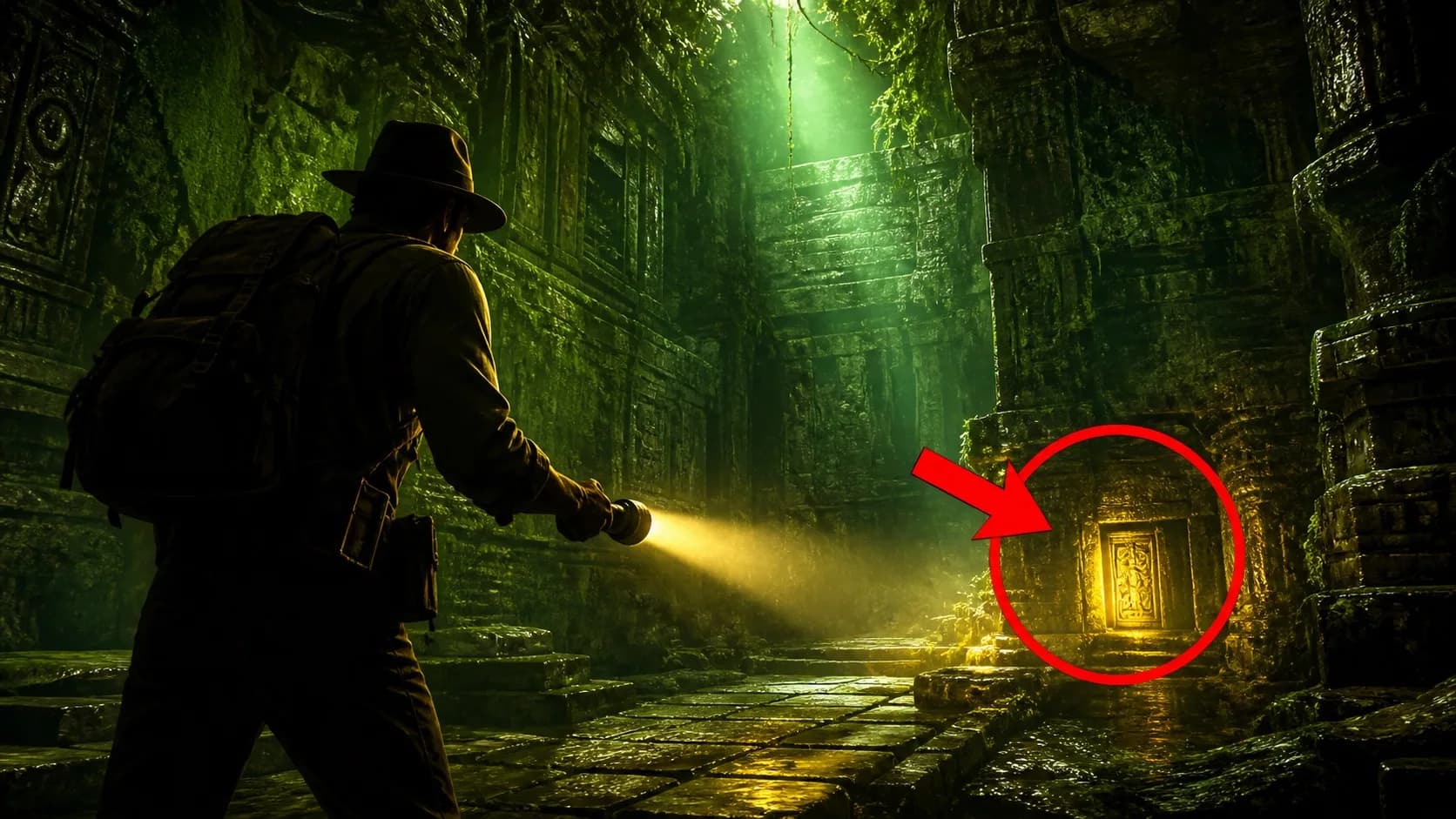
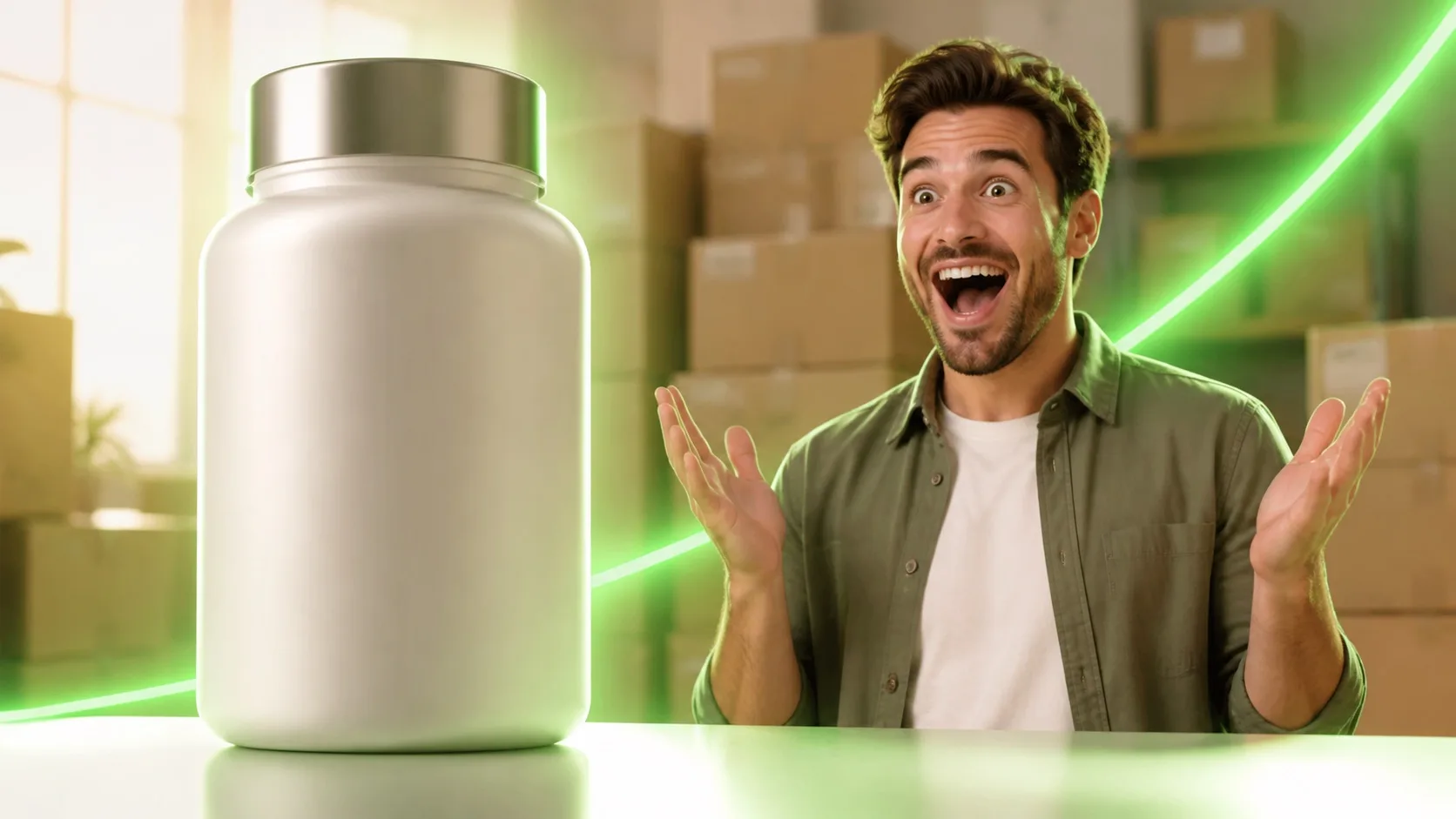

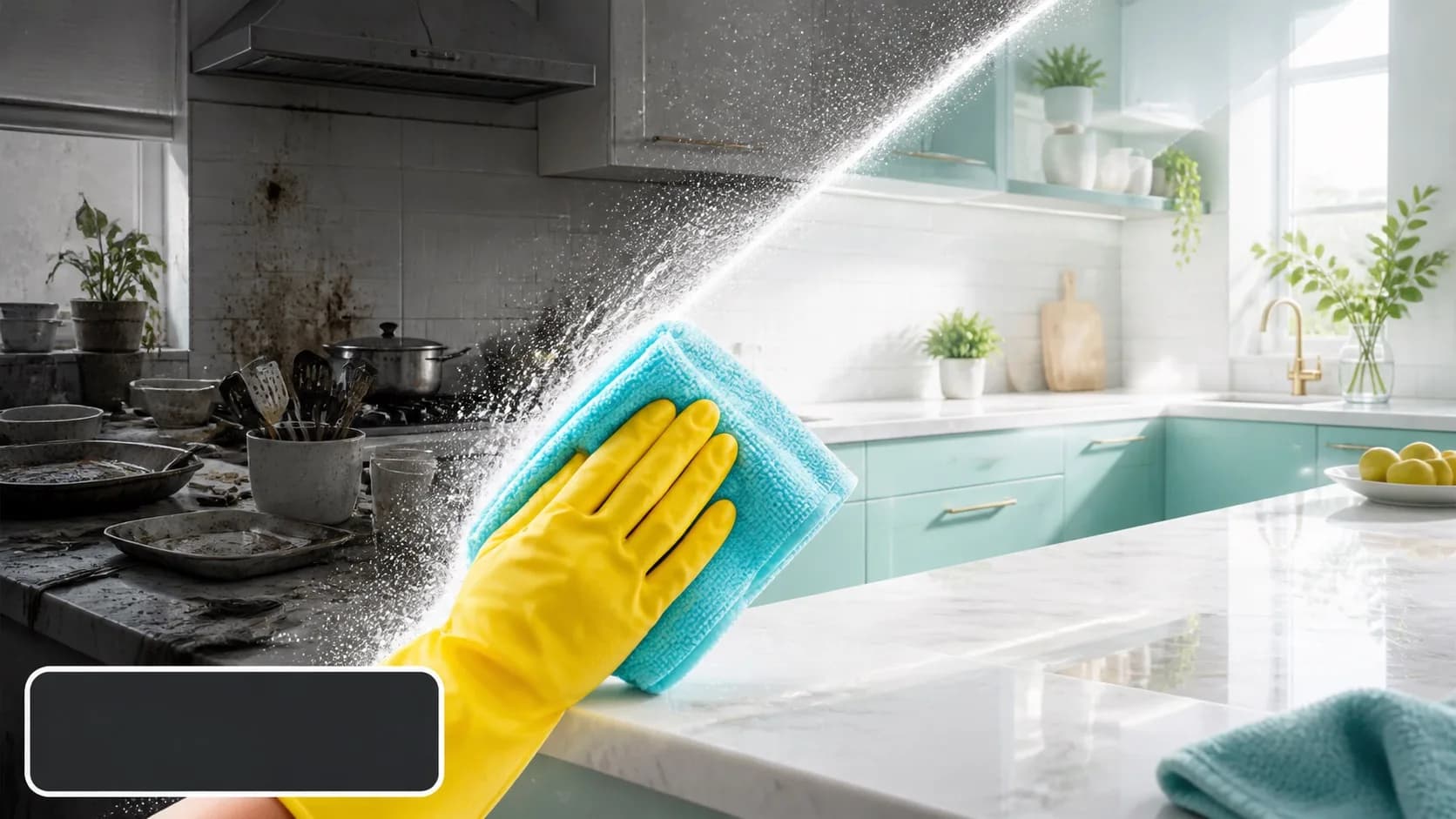
Complete workflow
How to generate an AI thumbnail, step by step
- 01
Reduce the video to one promise
Write what the viewer will see or learn and the specific stake that makes this video different. Keep only one outcome for the thumbnail.
- 02
Pick a genre-specific template
Choose a composition that already fits the story: comparison, challenge, reveal, close-up, explainer, investigation or transformation.
- 03
Describe the visible ingredients
Name the main subject, expression or motion, setting, supporting object, color separation and the location of empty headline space.
- 04
Generate without text
Ask for no words, letters, logos or watermark. Generate two to four different compositions instead of many near-identical renders.
- 05
Add a short headline layer
Use zero to four words that complement the title. Keep the line away from the bottom-right timestamp area and maintain strong contrast.
- 06
Test at feed size
Preview near 168 and 320 pixels wide. Remove anything that cannot be understood in one second and verify that the face still looks like the creator.
- 07
Export and test honestly
Export at 1280 × 720. If you compare variants, change one meaningful idea at a time and make sure every promise is delivered in the video.
01
Before opening the AI thumbnail generator
Collect the final or working title, the strongest frame or result from the video, and any identity reference you plan to use. Decide whether the image needs your face at all. A product, destination, dish or transformation may communicate the idea more clearly without a reaction portrait.
Write a one-sentence brief containing the subject, setting, stake and result. This becomes the source of truth for generation and protects the thumbnail from drifting into a dramatic but misleading scene.
02
Write the first AI thumbnail prompt
Lead with 16:9 YouTube thumbnail so the model optimizes for a wide editorial composition. Place the dominant subject explicitly, then describe what they face or reveal. Reserve one region for future type and keep the exclusion list short and concrete.
16:9 YouTube thumbnail for a video about [specific promise]. Show [main subject] on [side], [action or expression] toward [single stake or result]. Set it in [real setting]. Use [color contrast], strong rim light and foreground/background separation. Leave clean negative space at [location] for a short headline. No text, letters, logos, watermark, duplicate subjects or clutter.
03
Use a face reference when identity matters
Use one sharp reference with even light, visible facial features and no sunglasses or heavy filters. The reference is for identity, not for copying the exact background. Ask the model for a believable expression that matches the real stakes; an exaggerated shocked face on a calm tutorial usually weakens trust.
Check the smallest preview, not only the large render. Identity errors often become more noticeable after strong sharpening, dramatic shadows or extreme expressions.
04
Add thumbnail text as an editable layer
Choose one short phrase with a different job from the title. Numbers, time limits and verdicts are often useful because they add a stake quickly. Use a heavy readable typeface, strong contrast and enough padding that the words do not collide with a face or the frame edge.
Avoid the bottom-right corner, where YouTube places the duration badge. If the artwork already tells the complete story, leave the thumbnail text-free.
05
Evaluate the result before exporting
Score the thumbnail on hierarchy, clarity, honesty, identity and text. There should be one obvious first look, one supporting idea and no essential detail that disappears on a phone. Compare it beside real video cards rather than against an empty editor canvas.
- Can the subject be identified in under one second?
- Does the image add information instead of repeating the title?
- Is every word readable around 168 pixels wide?
- Does the reference face still look like the creator?
- Will the video deliver the scene, result or stake being promised?
06
Troubleshooting weak AI thumbnails
If the image feels generic, add a specific environment and replace broad adjectives with spatial directions. If it feels crowded, remove supporting objects until only one remains. If it looks attractive but unclear, increase scale contrast or make the subject look directly toward the stake.
If the words are wrong, do not regenerate the whole image. Remove generated lettering and use an editable text layer. If the face drifts, simplify the pose and expression, use a clearer reference and reduce lighting effects across the facial features.
FAQ
Frequently asked questions
- How do you generate an AI thumbnail for YouTube?
- Define one click promise, choose a visual template, prompt for a 16:9 text-free composition, generate a few distinct options, add an editable headline, preview at feed size and export at 1280 × 720.
- What is the best prompt for an AI thumbnail?
- The best prompt is specific to the video. It states the main subject, one supporting stake, their positions, the setting, color contrast, negative-space location and exclusions such as no text or logos.
- How many words should a YouTube thumbnail use?
- Use no text when the image is already clear; otherwise aim for one to four words. The line should add a new stake or question instead of restating the title.
- Can I publish an AI-generated thumbnail on YouTube?
- AI-assisted thumbnail artwork can be used, but the packaging still needs to follow YouTube policies and accurately represent the video. Avoid deceptive people, events, results or claims.