
Claude Code video skill: how to make videos with a Claude skill
November 5, 2026 · 7 min read
A Claude Code video skill is a folder of instructions and scripts that teaches Claude how your video pipeline works: the page contract, the render command, the style rules, the checks to run before calling a video done. Install one and you can type "make a 30 second Short about compound interest" instead of re-explaining the pipeline every session.
This guide covers what is inside a good video skill, the public ones worth trying, the licences that quietly rule some of them out for commercial work, and how to write your own from scratch.
Short on time? Video Studio does all of this from one sentence in about 3 minutes. See how
Made by a skill, not by hand
These came out of a pipeline that started life as a Claude Code video skill and now runs as Video Studio. Untouched renders.
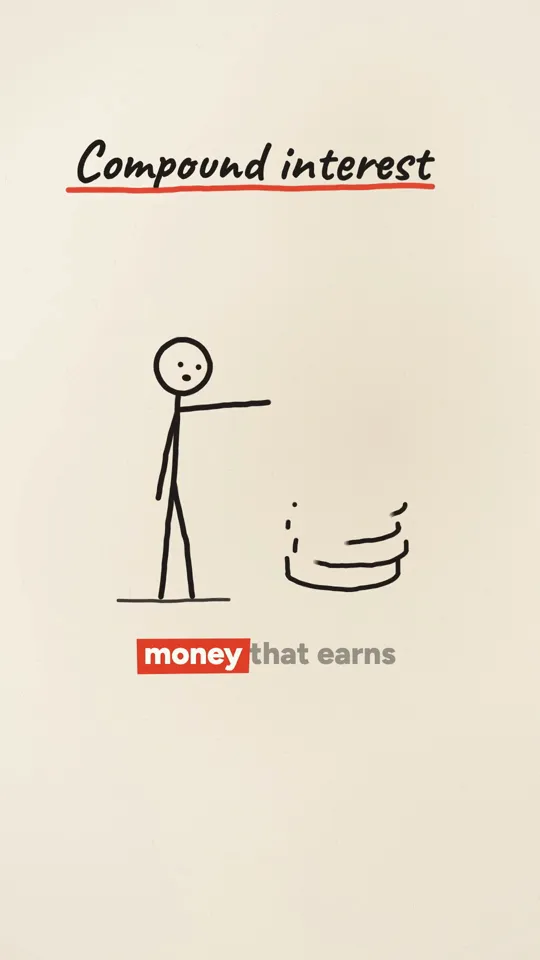
Ink stickman · 32 s
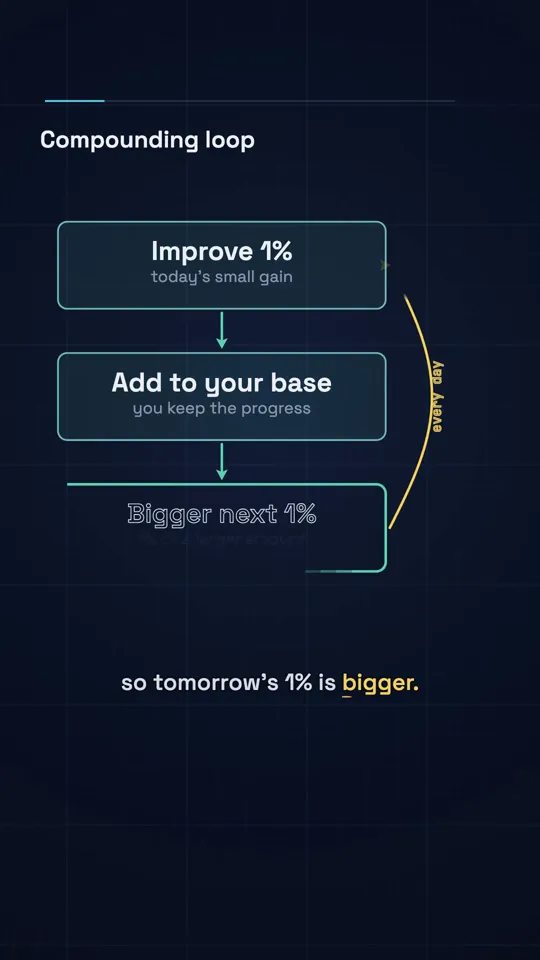
Diagram explainer · 41 s

Kinetic type · 29 s
What a skill actually is
In Claude Code, a skill is a directory with a SKILL.md file at its root. The file starts with a short front matter block: a name and a description that tells Claude when to use it. Claude reads only that description until a task matches, then loads the rest of the file and any scripts or reference documents it points to. Personal skills live in ~/.claude/skills/<name>/ and project skills in .claude/skills/<name>/ inside a repository.
That loading behaviour matters for video. A good video skill carries a lot of material: a render script, a QA script, style recipes, a review rubric. Because only the description is always in context, you pay for the rest only when you are actually making a video.
A skill does not add new powers. Claude Code could already write HTML and run Chrome. What a skill adds is a pipeline Claude follows the same way every time, with rules that stop the expensive mistakes.
The video skills worth knowing
The field is crowded: one community index, awesome-claude-video-skills, lists 419 repositories in ten categories. These are the ones that matter if you are starting today, with the licence read from each repository in November 2026.
| Skill | Renderer | Licence | Good for |
|---|---|---|---|
| remotion-dev/skills | Remotion (React) | Remotion licence governs anything rendered | Product motion, captions, SaaS promos |
| heygen-com/hyperframes | HyperFrames (HTML) | Apache-2.0 | HTML compositions, open licence, Lambda and Cloud Run renderers |
| digitalsamba/claude-code-video-toolkit | Remotion | MIT (Remotion terms still apply) | Script, voice, music and visuals in one workspace |
| howseen-ai/claude-motion-design | Plain HTML, Playwright, ffmpeg | MIT | No framework at all, same shape as our pipeline |
| lemomo-ai/lemo-opuscar | Canvas and WebGL | MIT | A library of code-made film styles to start from |
| iart-ai/motion-skills | Mixed | MIT | Kinetic type, data viz and TikTok format skills |
Licences as declared in each repository on 2026-11-04. Always re-check before commercial use.
Remotion's skill is installed with npx skills add remotion-dev/skills and HyperFrames with npx skills add heygen-com/hyperframes. Both were announced with big launch posts on X, which is why they are the two most people have heard of.
What the comparison tests found
The same awesome-claude-video-skills index ran 16 skills end to end on one brief. Three results are worth knowing before you install anything. All 16 passed its four checks. Plain Claude Code with no skill at all also passed, in 4.4 minutes. And the most-starred renderer was the slowest.
The lesson is not that skills are useless. It is that the value of a skill is in its taste and its guard rails, not in making video possible. A skill that encodes a style you like, a safe-area rule for vertical video and a review step will beat a bare session on the tenth video, even if both manage the first.
Licences to check before you sell anything
- Remotion is source-available, not open source. It is free for individuals and companies of up to three people; above that, rendering programmatically costs $0.01 per render with a $100 a month minimum, and every draft render counts.
- Some popular video skills carry non-commercial licences, such as PolyForm Noncommercial or CC BY-NC. Fine to learn from, not fine to run a client business on.
- A repository with no licence file means all rights reserved. You may read it; you may not copy it into your product.
- Reference images and sample videos bundled in a skill often have their own, stricter terms ("style study only"). Do not ship them.
- Whatever the skill's licence, music, fonts and logos in your video have their own. The skill does not license them for you.
What goes inside a good video skill
Ours started as a single SKILL.md and grew into the folder below. You do not need all of it on day one, but each piece exists because a video went wrong without it.
my-video/
  SKILL.md              # when to use it, the pipeline, the hard rules
  templates/
    film.js             # the page contract: window.__film with seek(t)
  scripts/
    render.mjs          # Playwright capture into ffmpeg, segments, blur
    qa.py               # frame count, loudness, black or frozen frames
    audio.py            # beat grid, voice timing, duck and loudnorm
  styles/
    kinetic-type.md     # one recipe per look
    ink-stickman.md
  references/
    direction.md        # storyboard discipline, pacing for Shorts
    review.md           # the rubric Claude scores its own stills on
Each style recipe follows the same headings so Claude can compare them: essence, materials, colour, type, motion, camera, sound, native moves, pitfalls, engine and variation. Separating what a style looks like from how it moves is the most useful single idea we found in public prompts: you can keep a look and change its motion, or the reverse, without rewriting everything.
The SKILL.md file
Keep the description specific enough that Claude picks the skill for video work and only for video work. Then write the pipeline as numbered steps with the stops where a human approves.
---
name: my-video
description: Make vertical videos as code. Use for any request to make a
  Short, Reel, TikTok, explainer or motion graphics video, or to render
  a page to MP4.
---

# Video as code

Every video is one HTML page that exposes window.__film (see
templates/film.js). Every frame is a pure function of t.

## Hard rules
1. No Date.now, performance.now or unseeded Math.random in the page.
2. No network while rendering. Fonts and images are local files.
3. Text stays inside x 90..910, y 260..1420 on a 1080x1920 frame.
4. Facts come from a source you can link. No invented numbers.

## Pipeline
1. Storyboard: beats with times. STOP for approval.
2. Voice: generate narration with word timings (scripts/audio.py).
3. Page: write the film page against the contract and the chosen
   style in styles/.
4. Stills: render 4 timecodes as a contact sheet, review against
   references/review.md, fix, repeat at most twice. STOP for approval.
5. Render: node scripts/render.mjs film.html --format=vertical
6. QA: python scripts/qa.py report out.mp4. Fail on loudness off
   -14 LUFS by more than 1, black frames or a frame count mismatch.
The STOP lines are what keep the bill down. A storyboard rejected costs cents; a finished render rejected costs dollars, because most of an agentic video's cost is the render and review loop, not the writing.
Set up a video skill in Claude Code
Create the folder
Make ~/.claude/skills/my-video/ with a SKILL.md, a templates folder and a scripts folder.
Write the description
Two sentences that name the requests the skill handles: Shorts, Reels, TikToks, explainers, motion graphics, render to MP4.
Add the contract and render script
A film.js that defines window.__film with seek(t), and a Playwright script that captures each frame into ffmpeg.
Write the hard rules and the pipeline
Determinism, local assets, the safe area and sourced facts, then the numbered steps with approval stops.
Add one style recipe
Pick one look and describe it under fixed headings. Add more styles only once the first one renders cleanly.
Test with a short brief
Start a new Claude Code session and ask for a 15 second Short. Check the skill loads, the storyboard stops for approval and the render passes QA.
Using the skill day to day
- Start each video with the brief only. Let the skill pull in the style and the rules.
- Keep renders in a separate terminal. A render that runs inside the Claude turn for longer than five minutes lets the prompt cache expire, and the next turn pays to rebuild it.
- When a video goes wrong in a new way, add a rule to SKILL.md. The skill is the place your lessons accumulate.
- Share helpers between videos (captions, easing, safe-area audit). A shared kit cut our per-video agent cost by 26 percent.
- Version the contract. When film.js changes, old pages should still render.
Questions
Is there an official Claude video skill?
Anthropic has not published a general video skill for Claude Code. It did ship Claude Motion, an animated explainer feature, in beta for Teams and Enterprise plans in October 2026. The popular Claude Code video skills come from Remotion, HeyGen (HyperFrames) and the open source community.
Do I need a skill to make videos with Claude Code?
No. In one public test, plain Claude Code with no skill completed the same brief as the skills did. A skill pays off over many videos, by keeping the style, the rules and the checks consistent.
Which is better, the Remotion skill or the HyperFrames skill?
Remotion is more mature and has the deepest tooling; HyperFrames is plain HTML under an Apache-2.0 licence with no render fees. If you are a team of four or more and will render a lot, the licence difference usually decides it.
Can I sell videos made with a free skill?
Usually, but check two things: the skill's own licence (some are non-commercial) and the licence of the renderer it uses. Remotion, for example, needs a paid company licence above three people.
Where do Claude Code skills live?
Personal skills go in ~/.claude/skills/<name>/ and project skills in .claude/skills/<name>/ inside a repository. Each needs a SKILL.md with a name and description in its front matter.
Sources
Cost and render figures are our own measurements from November 2026 unless a source says otherwise. View and revenue figures from creators are their own claims, linked so you can judge them.
- 01Claude Code docs: skills
- 02remotion-dev/skills on GitHub
- 03heygen-com/hyperframes on GitHub
- 04zhuyansen/awesome-claude-video-skillsIndex of 419 repositories and the 16-skill end-to-end test.
- 05Remotion licence FAQ
- 06digitalsamba/claude-code-video-toolkit