
Alternatives
6 Crayo alternatives worth trying in 2026
Crayo is a template editor for the formats that fill the Shorts feed: Reddit stories, fake text conversations, gameplay clips and more. Every tool is on every plan, and tiers differ only in how much you can make, measured in four separate quotas: workflow credits, export minutes, voiceover minutes and AI images.
People usually search for an alternative for one of a few reasons: they want a different look than templates, or they find four meters hard to plan around. Below are the tools that answer each, ours clearly labelled, with the cases where Crayo remains the right choice.
What Crayo is genuinely good at
Worth knowing before you move, because some of this you will lose.
- The formats it covers (Reddit stories, fake texts, gameplay clips) are exactly the ones WhatToUpload does not make yet
- Every tool is included on every plan, so you never hit a feature paywall, only a quota
- A workflow credit is one video regardless of length, which makes non-narrated formats very cheap per video
- It has free web tools that work without an account
- A view tracker across unlimited accounts is included
Why people look for something else
Four quotas are hard to plan around
Crayo's pricing page lists workflow credits, export hours, voiceover minutes and AI images as separate allowances. For a narrated 60 s video the binding limit is usually voiceover minutes, not workflow credits, so the number of videos a plan buys depends on which meter runs out first.
Quarterly is the default term
The pricing page opens on quarterly billing, which is cheaper per month but commits you for three months. Read which term is selected before you pay.
You want a drawn, branded look rather than templates
Template formats are built from stock or gameplay footage. If your channel is explainers, history or money stories, a style drawn for the topic may suit it better.
The alternatives
Best for: Creators who want a finished explainer or story video from one topic, at a fixed price per video
Entry price (as of 4 Nov 2026): From $19/month (500 credits, about 19 videos) pricing page
Type a topic and get a finished vertical video in about 3 minutes: script, ElevenLabs voiceover, captions timed to the voice, music and sound. Claude writes the script and storyboard, and our renderer draws every frame as code in one of three styles: Kinetic type, Ink stickman or Diagram explainer. A 30 s video costs 26 to 30 credits, shown before you render; a failed render refunds automatically. Auto-posting and scheduling (on Pro and Studio), series and other formats are coming soon, not live: today you download the MP4 and upload it yourself.
Best for: Creators who want the widest menu of models, formats and direct publishing in one place
Entry price (as of 4 Nov 2026): From $39/month (Growth, 2,000 credits) pricing page
A broad AI video platform with 100+ tools, AI video models up to 4K, voiceovers in 70+ languages, direct publishing to TikTok, Instagram, YouTube and X, and an API, MCP server and CLI. Credits are spent per asset generated, with a published cost table and an estimate shown before you generate.
Best for: Running several series at once and auto-posting to many platforms
Entry price (as of 4 Nov 2026): From $29/month (500 credits) pricing page
Unlimited series on one credit pool, auto-posting to seven platforms, and flat pricing for its default narrated storyboard short (20 credits), with AI video motion priced per second. Failed generations return their credits, and the first regenerate of every video is free.
Best for: One faceless channel that should post on a fixed cadence without you touching it
Entry price (as of 4 Nov 2026): From $19/month (3 posts a week, one series) pricing page
Sells a posting frequency for one series: the series writes, renders and auto-posts to TikTok, YouTube and Instagram on a schedule. Plans are framed as posts per week rather than credits per video, with a separate small allowance of motion credits for animating images.
Best for: Narrated AI image stories on autopilot, with credits that roll over
Entry price (as of 4 Nov 2026): From $39/month (400 credits) pricing page
Auto-generates and posts series of narrated videos with AI images, music and captions, with optional AI video models. Credits are priced by length band, roll over up to twice the monthly amount, and its help centre says failed videos return their credits automatically.
Best for: Turning long videos and podcasts you already have into short clips
Entry price (as of 4 Nov 2026): Free with watermark; paid from $15/month (150 source minutes) pricing page
Cuts long-form footage into short vertical clips, and can schedule and post them. A different job from making a video from a topic: one credit is one minute of uploaded source video.
What WhatToUpload's output looks like
Three untouched renders from Video Studio, one per live style. Each started as a one-line topic.
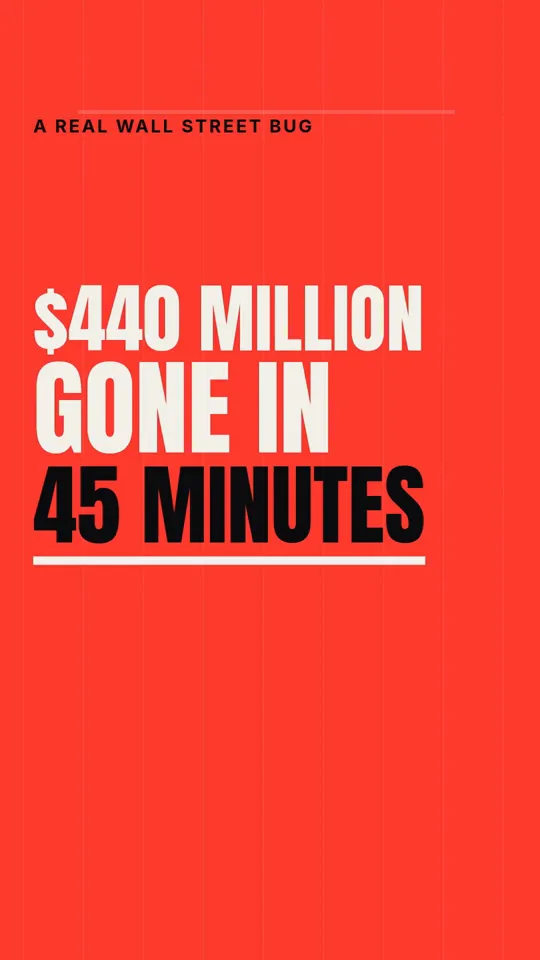
Kinetic type · 33 s

Ink stickman · 35 s
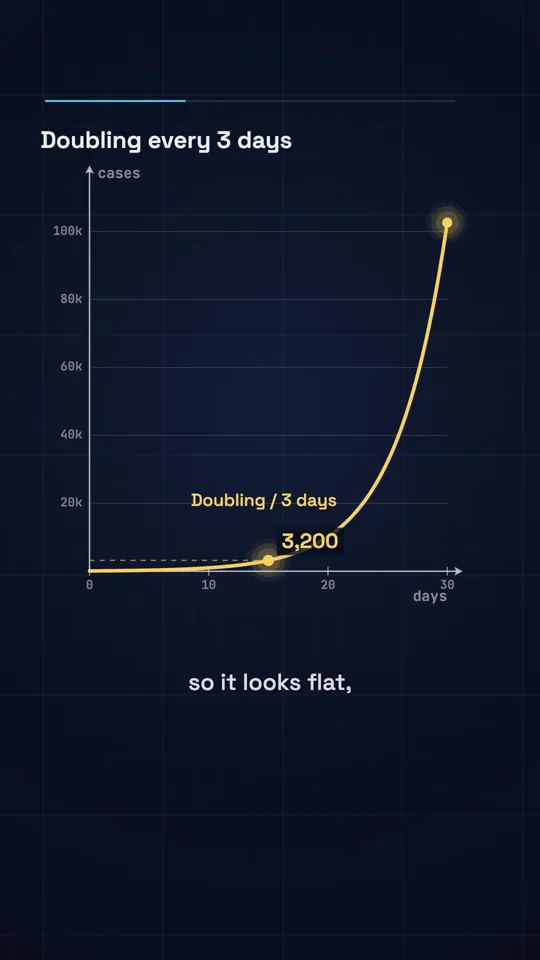
Diagram explainer · 41 s
Should you actually switch?
Stay with Crayo if your channel lives on Reddit stories, fake texts or gameplay split-screens and you like editing them yourself. Those formats are its home ground, and none of them are live in WhatToUpload yet.
Move if your content is explainers and stories that need a voice and a look of their own. WhatToUpload makes those from a topic in about 3 minutes, in Kinetic type, Ink stickman or Diagram explainer, for one credit balance with the price shown before you render and a credit refund for any failed render. If you want the same template formats with more models and direct publishing, Revid and faceless.so cover them.
Prices here were read from each product's own pricing page on 4 Nov 2026. Check them again before you pay.
For a line-by-line look at just us and Crayo, see the WhatToUpload vs Crayo comparison.
Questions
What is the best Crayo alternative?
For the same template formats with direct publishing, Revid or faceless.so. For narrated explainers and stories drawn as code, WhatToUpload. For clips cut from long videos you already have, OpusClip.
Does WhatToUpload make Reddit story or fake text videos?
Not yet. Reddit stories, fake text conversations, brainrot and gameplay split-screen are coming soon. Today the live styles are Kinetic type, Ink stickman and Diagram explainer.
How do the prices compare?
As of 4 Nov 2026, Crayo Hobby is $29/month, or $19/month billed quarterly. WhatToUpload Creator is $19/month for 500 credits, about 19 videos of 30 seconds. Revid starts at $39/month and faceless.so at $29/month. Check each pricing page, since these change.
Can I use Crayo and WhatToUpload together?
Yes. A common split is template formats in Crayo and explainer or story videos in WhatToUpload. The two do not overlap on formats today.