
How to make a Kurzgesagt-style "what if" space explainer with Claude
November 5, 2026 · 10 min read
"What if the Sun vanished?" is the perfect Short. It has a question nobody can resist, a scientific answer that surprises people (you would not notice for eight minutes and twenty seconds), and a visual language everyone already recognises from Kurzgesagt: deep navy space, soft glowing planets, rounded type, a small character reacting to the end of the world.
That look used to need a studio. In October 2026 several creators showed it rebuilt entirely in code by Claude, with no image or video model. This tutorial turns what they published into a method you can follow, and explains why each piece of the look matters so you can apply it to your own questions rather than cloning anyone's video.
A note before we start: Kurzgesagt is a real studio with its own characters and artists. Borrowing a broad visual grammar (flat shapes, glow, a navy palette) is how styles spread; copying their characters, scripts or episodes is not. Every creator below makes that distinction, and so should you.
What makes the flat cosmic look
Strip a Kurzgesagt-style frame down and you find a short list of ingredients. A vertical gradient for space, never flat black. Several layers of stars that move at different speeds when the camera moves, so the scene has depth. Large, soft nebula shapes at low opacity. Planets and stars built from radial gradients with a bright offset highlight and additive glow rings. Rounded geometric type in caps with generous letter spacing. And a small, simple mascot whose eyes look at whatever matters.
The craft is in restraint. No outlines on the glowing bodies, no lens flares, no infographic strips. Every element is soft, rounded and lit, and the camera is always doing something.
What creators published and claimed
Finn (@finnardley) posted a complete free prompt for a thirty second "What if the Sun vanished?" film drawn in code: one 2D canvas plus a WebGL canvas for planets, a named palette, a mascot, word-timed narration and a beat-by-beat structure. He says he made it in ten minutes for $0 per video on his existing Claude subscription; treat both as his claims. The prompt was copied widely within days, including by accounts that reposted it as their own.
Miao Yang (@WaterrrMiao) showed a full eleven minute explainer in the same style made with Opus 5.5 and HyperFrames Studio, and says it took about two hours and under $50. She is associated with the product and offered the template by direct message; no prompt was published, so we cannot check it.
Both posts lean on the same framing: that one Kurzgesagt video takes a team of animators well over a thousand hours. That is their framing, not a figure we have verified. What is verifiable is the method, so that is what this post focuses on.
Step 1: choose a question with a clock in it
The best "what if" questions have three properties: a single event that can happen on one spoken word, a consequence that unfolds over measurable time, and a personal angle that puts the viewer inside it. The Sun vanishing works because light takes 8 minutes 20 seconds to reach Earth, so the story naturally includes a countdown, a moment of darkness and a slow freeze.
- What if the Moon disappeared? (tides, the length of a day, a live counter for the slowing spin)
- What if Earth stopped spinning for one second? (a speed number at the equator)
- What if you fell into Jupiter? (depth and pressure counters)
- What if a teaspoon of neutron star landed in your kitchen? (mass, a floor giving way)
Check every number before you build. Ask Claude for the figures with sources and read them yourself. A wrong number in a science Short is the comment that sinks it.
Step 2: write a look spec with real values
The single biggest difference between Finn's prompt and a vague one is that every visual decision is a number. Not "a beautiful space background" but a gradient between two named hex values. Not "glowing sun" but a radius, a three stop gradient and halo rings at specific multiples of the radius. Claude follows numbers precisely; adjectives get filled with defaults.
Look spec sketch (our values, in the same spirit)
FORMAT  1080x1920 for Shorts (Finn's original is 1920x1080), 30 fps
SPACE   vertical gradient #08182b -> #13254a, 4 soft nebula blobs
        (teal, blue, coral, indigo) at 10-20% opacity
STARS   3 layers, parallax 0.1 / 0.35 / 0.6, twinkle, some as
        4-point sparkles
SUN     radial gradient warm white -> gold -> orange, offset
        highlight, additive halo rings at ~1.2x, 1.5x, 1.8x radius
PLANET  orthographic sphere in a fragment shader, day/night from
        the light direction, city lights on the night side,
        a thin atmosphere rim brighter on the lit side
MASCOT  ~180 px astronaut from rounded rectangles, eyes that look
        at the subject, a blink, squash and stretch on each pose
TYPE    one rounded geometric face, caps, wide letter spacing,
        in dark rounded pills; lines rise through a mask
FINISH  vignette, light film grain refreshed ~24x a second
BANNED  outlines or flares on glowing bodies, infographic strips,
        full stops in on-screen text, text fading in whole,
        AI images or video, any studio's own characters
Write the banned list with as much care as the look. Finn's includes details only someone who had seen the failure would know, such as never drawing prominences on the Sun's edge because they read as white hooks.
Step 3: the planet is a shader, not a picture
The most impressive part of these films is a planet that turns, with a moving day and night line and city lights appearing in the dark. It is also the part where code beats image models, because the planet stays exactly the same from shot to shot.
The approach in Finn's prompt: paint a 2048 by 1024 map from longitude and latitude polygons (land, forest, desert, ice, ocean in two blues, cloud bands), then draw an orthographic sphere in a fragment shader that samples that map. Day and night come from the dot product of the surface normal and the light direction, smoothed across a soft band so the terminator glows instead of cutting hard. Recompute the light direction from the Sun's position every frame so the lighting stays honest when the camera moves.
The lighting idea in a few lines of GLSL
// n: surface normal, l: direction to the sun (both normalised)
float lit = smoothstep(-0.12, 0.24, dot(n, l));
vec3 day   = texture2D(map, uv).rgb;
vec3 night = navy + cityLights(uv) * warm;
vec3 col   = mix(night, day, lit);
col += coral * (1.0 - abs(lit * 2.0 - 1.0)) * 0.25; // terminator band
col += rim(n) * cyan * (0.4 + 0.6 * lit);           // atmosphere
One practical trap from the same prompt: make the WebGL canvas large enough for your tightest close-up (roughly twice the radius times the zoom, with margin), or the sphere clips flat when the camera dives in.
Step 4: every line of narration gets a move
The structural rule that makes this style feel alive is simple to say and hard to keep: nothing ever holds still, and every line of narration gets a camera move or a transformation. Finn's structure ties each event to a specific word. On "vanished" the Sun swells slightly, collapses, flashes and sends out a shockwave. On "eight" a countdown slams in. On "you" a pin drops on Earth. On "hits" darkness sweeps the planet and the city lights come on.
The shape generalises to any question, and it is worth writing down as your template:
- The event happens on its word.
- Pull back to show scale.
- Dive in to make it personal: put "you" on the map.
- Pull back out to the system view.
- Show the consequence with a live counter (a countdown, a temperature, a speed).
- Escalate once.
- A funny beat with the mascot (sunglasses, a shrug, a tiny umbrella).
- A callback to the opening, then the title.
Step 5: narration with word timestamps
To fire events on words you need to know when each word is spoken. Two routes appear in the published prompts. ElevenLabs can return timestamps with the generated audio. Or, with no paid key, generate the voice locally with Kokoro and recover word times by transcribing the result with faster-whisper. Finn's reply to people without a key was simply to tell Claude to use kokoro-onnx for the voice.
Pace matters for this style. His prompt targets about 165 words per minute, a quarter of a second between sentences and a slightly longer beat before the big reveal. And one rule we would underline: never pad the voice to fit the visuals. If a section runs long, tighten the read and the animation, do not stretch the pauses.
Driving events from word times
// words: [{ w: "vanished", t: 1.42 }, { w: "eight", t: 3.18 }, ...]
const at = (word) => words.find((x) => x.w === word).t;

window.seek = (t) => {
  const tv = at("vanished");
  const swell = t < tv ? 0 : bump(t - tv, 0.22);   // 6% for 0.22 s
  const gone  = smooth(t - tv - 0.22, 0.33);       // collapse
  drawSun({ scale: (1 + 0.06 * swell) * (1 - gone) });
  if (t > at("eight")) drawCountdown(t - at("eight"));
};
Step 6: two clocks, springs and the camera
A subtle trick in Finn's build rules is keeping two clocks. Ambient time drives things that should never stop (star twinkle, planet spin, the mascot's idle bob). A separate story clock drives events. That way, if the script calls for a rewind beat, the story can run backwards while the universe keeps breathing, and nothing jumps.
Camera moves use an ease-in-out curve with zoom interpolated in log space, which is why a move from 2.3x to 0.3x feels even rather than rushing at one end. Pops and settles are damped springs. And the darkness front in the Sun film speeds up as it approaches Earth, because at a constant speed it would take far too long to cross the planet on screen. Physical accuracy is the starting point; screen time is the constraint.
Step 7: sound that stays under the voice
The mix in this style is quiet and warm: a calm music bed several decibels under the voice, timed so its natural ending lands on the title, and one sound effect per kind of event (collapse, impact, whoosh, tick, pin tap, frost). Use downloaded, licensed effects aligned by their peaks rather than synthesised beeps, and master to around -14 LUFS for social platforms. Our post on beat sync and sound design goes through peak alignment in detail.
Step 8: render, then check the beats
Render by seeking every frame in a headless browser with the GPU on (WebGL needs it), blend a couple of subframes for soft motion blur, and encode a high quality master plus a smaller delivery file. Before the full render, ask for a contact sheet of every beat. That one image catches the most common faults: a caption off the safe area, a planet clipped in a close-up, a beat where nothing moves.
For a vertical Short, design for 9:16 from the start rather than cropping a 16:9 film. Stack the composition, keep captions inside the central safe area away from the platform's buttons, and make the type larger than feels natural on a monitor.
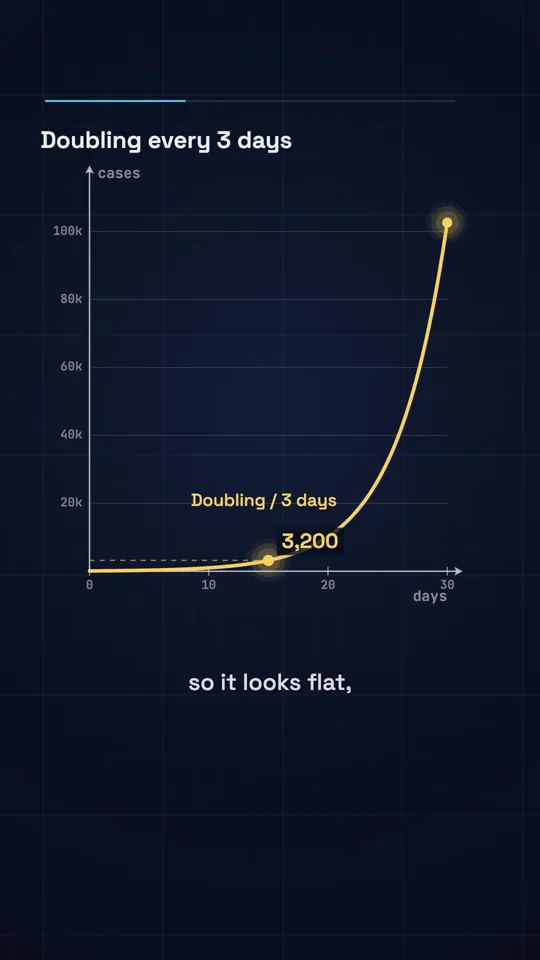
Diagram explainer · 41 s
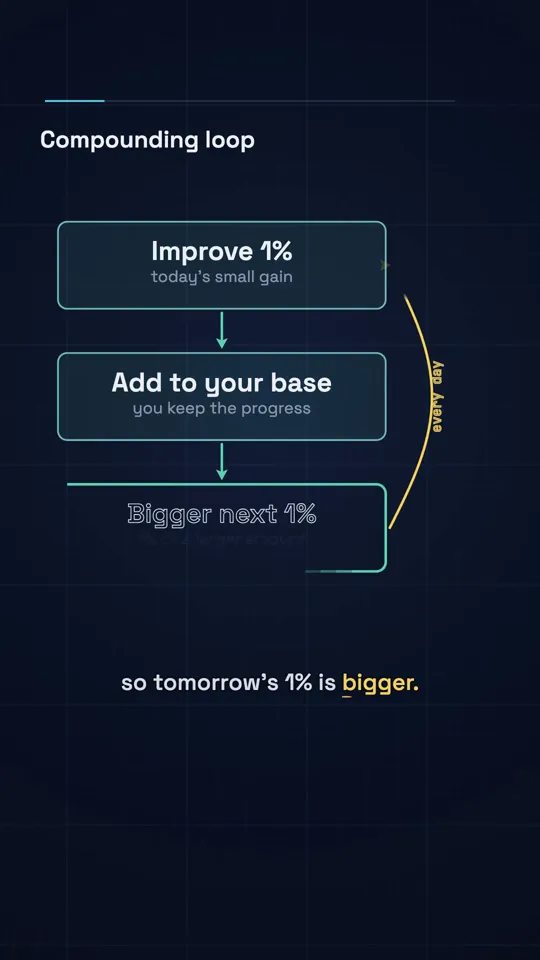
Diagram explainer · 41 s
Pitfalls
- Flat black space. Use a gradient and parallax layers or the frame looks like a slide.
- Outlines on glowing bodies. They kill the soft lit look instantly.
- Text that fades in whole. In this style lines rise through a mask.
- Holds. If a line of narration has no move, the viewer feels the dead air.
- Unchecked science. Verify every number, and say "roughly" where the answer is an estimate.
- Copying characters or episodes. Make your own mascot and your own questions.
- Cropping a landscape render to vertical. Recompose instead.
Cost and time
In the pure code route there is no media spend: the visuals are drawn, the voice can be local, and music and effects can come from free libraries. The cost is Claude usage and your review time. Finn's ten minute figure is for his own prompt on his own setup; first attempts usually take longer because the shader, the mascot and the timing need a couple of rounds. Our measured token costs for agentic sessions are in what a Claude video costs.
Doing it in about 3 minutes with WhatToUpload Video Studio
Video Studio is built on the same idea, a page that draws any moment as code, but packages it so you only write one sentence. Claude writes the script and storyboard, our renderer draws every frame, ElevenLabs voices it and captions and music are timed for you, in about three minutes.
Honestly: the flat cosmic style is not one of our live styles yet. Today you can pick Kinetic type, Ink stickman or Diagram explainer, with more being added. For a "what if" science video right now, Diagram explainer handles the live counters and drawn graphs, and Kinetic type handles a punchy, voice-led version.
A 30 second video is 26 to 30 credits, and plans are $19, $49 and $99 a month.
Sources and methodology
Built from creators' published posts on X, read in full in November 2026. Their time, cost and view figures are their own claims. The look values and code sketches here are our own, written in the same spirit rather than copied.
- 01Finn (@finnardley): Kurzgesagt-style prompt, freePost with the full prompt, Oct 25, 2026. Time and cost figures are his claims.
- 02Miao Yang (@WaterrrMiao): an 11 minute explainer with Opus 5.5 and HyperFrames StudioOct 26, 2026. Time and cost are her claims; template offered by DM, not published.
- 03seeco (@seeconvm): the render contract and critic loopX Article, Oct 3, 2026.
Frequently asked questions
Can Claude make a Kurzgesagt-style video without an image model?
Yes. The published examples draw everything in code: canvas for shapes and type, a WebGL shader for planets, and a headless browser to capture each frame. That is also why the planet and mascot stay consistent across shots.
Is it legal to make videos in this style?
A broad visual style is not owned, but specific characters, scripts and episodes are. Design your own mascot, write your own questions and do not present your work as theirs. If you monetise on YouTube, also read its rules on repetitive or mass-produced content.
How long should a what-if Short be?
The published prompt targets 30 seconds, which fits one event, one personal beat, one consequence with a counter, one gag and a callback. Long-form versions exist, but they need a script that keeps opening new questions.
Do I need ElevenLabs?
No. A local voice such as Kokoro plus faster-whisper for word timestamps works; ElevenLabs gives a more natural read and returns timestamps directly.