
How to make painterly and hand-drawn animation with Claude, no image model
November 5, 2026 · 9 min read
One of the most surprising things people discovered in 2026 is that Claude can paint. Not by calling an image model, but by writing code that lays down strokes: a watercolour wash that bleeds at its edges, oil paint with visible bristle marks, an ink line that thickens on the downstroke. Mickey Friedman's comment on her own piece captured the mood: Claude had arrived at making art without an image model just by being good at code.
This tutorial is about how to get there on purpose. Painterly code animation is slower to direct than kinetic type or diagrams, and the honest accounts say so. But it produces a look that is hard to get any other way: consistent from frame to frame, editable down to a single stroke, and owned entirely by you.
What creators published and claimed
Tobi (@tobiadonadon_) released a free skill that turns a verse, a quote or a short story into a painterly Short: you describe the look in your own words (oil paint, soft watercolour, crayon, graphic-novel ink, gouache storybook), ideally with an image for reference, and it writes each scene as code, paints every frame, narrates with a local voice, times captions to words and composes music. He reports a 40 second oil-paint short of 19 shots rendering in 56 seconds, and says the skill drew a lighthouse and a boat for which it had nothing in its kit. His own framing is honest: making these with Claude is cheap, "but it's not easy, nor fast".
Mickey Friedman posted an animated illustration drawn in pure JavaScript and, in replies, explained that she used hundreds of prompts and placed every object herself, mostly with words but sometimes with example images, saying which parts to preserve (shape, pattern) and which to change (colour). Alexey Fateev had Opus 5 draw every frame of a poppy's life cycle in JavaScript and turned the drawing technique into a skill. Movez and seeco both cite a watercolour short whose creator was open that it took 163 model calls and nearly seven hours.
And one caution. A widely shared "pure code" Ghibli-style anime scene from early November was disputed in its own replies, where people pointed out that the repository mostly contained a large embedded video file. The prompt behind it is still a useful study in how to describe a painted look, which we use below, but treat claims of one-shot hand-drawn perfection with care.
Step 1: describe the medium, not the mood
"Dreamy watercolour" is a mood. Claude needs the physical behaviour of the medium, because that is what the code must simulate. Describe how the paint sits, spreads and dries; how the line is made; what the paper is like; what the shadows are. The clearer the physics, the closer the result.
Medium specs (our wording)
WATERCOLOUR  transparent washes that darken where they overlap;
             edges bloom and pool slightly darker as they dry;
             paper grain shows through light areas; white is the
             paper, never white paint; soft, few details
OIL          opaque strokes with visible bristle texture following
             form; thick highlights; colours mixed on the surface;
             3-5 values per object
INK          one pen, line weight varies with pressure (thicker on
             downstrokes, tapering at ends); hatching for shade;
             occasional dry-brush breaks
GOUACHE      flat matte shapes with soft edges, slight brush marks,
             limited palette, storybook light
PAPER        cream base, fine grain, faint fibres, no pure black
Step 2: say what it must not look like
The most useful part of the disputed anime prompt is its list of what the result must not look like, because it names the tells of code-drawn imagery precisely. Paraphrased: no plastic materials or CGI shading; no simple geometric shapes, perfect curves, uniform outlines or basic gradients that betray vector art; and no "web animation" tells, such as sliding layers, constant bobbing, floating parts, smooth software easing or puppet-like joint rotation. That last group is the one that most often makes code animation look cheap, and it is worth putting in every painterly brief.
Add the tells of AI imagery too if you composite any generated elements: warping, melting details, flicker, a design that changes between frames.
Step 3: brushes from seeded noise
A painterly look comes from imperfection, but in code the imperfection must be reproducible: the same frame must produce the same strokes every time, or the painting shimmers. Build every brush from seeded random numbers and noise, keyed by the stroke's identity, never by time. A stroke is a path; the brush stamps many slightly varied marks along it, with width, opacity and offset jittered by noise.
A seeded bristle brush
function stroke(ctx, pts, { seed, width, color, bristles = 14 }) {
  const rnd = mulberry32(seed);                   // same seed, same stroke
  const offsets = Array.from({ length: bristles }, () => (rnd() - 0.5) * width);
  const alphas = offsets.map(() => 0.25 + rnd() * 0.35);
  offsets.forEach((o, b) => {
    ctx.beginPath();
    pts.forEach((p, i) => {
      const n = noise2(seed + b, i * 0.15) * width * 0.15; // wobble
      const x = p.x + p.nx * (o + n), y = p.y + p.ny * (o + n);
      i ? ctx.lineTo(x, y) : ctx.moveTo(x, y);
    });
    ctx.strokeStyle = color; ctx.globalAlpha = alphas[b];
    ctx.lineWidth = 1 + rnd() * 1.5; ctx.stroke();
  });
  ctx.globalAlpha = 1;
}
A watercolour wash works differently: fill the shape several times at low opacity with slightly distorted outlines, darken the edges, and multiply a paper texture over the result. Libraries exist for this (one creator's character kit uses p5.js with a brush library), but you can also let Claude write its own, as one creator found when Opus ignored a suggested library and wrote its own paper renderer.
Step 4: animate on twos
Hand-drawn animation is usually drawn "on twos": a new drawing every second frame at 24 frames per second, so 12 drawings a second. That slight steppiness is part of why it reads as drawn. Smooth 60 fps motion on a painterly character looks like a puppet sliding around. In code, quantise the time used for character motion to 12 or 8 steps per second, while letting a few things (camera, light flicker, falling petals) run smoothly if you want contrast.
Also "boil" the line: redraw static strokes with a different seed every couple of frames, cycling through three or four seeds, so outlines shimmer slightly like a sequence of real drawings. Cycle, do not randomise per frame, so the effect stays deterministic.
Twos and line boil
const ON_TWOS = 12;                                // drawings per second

window.seek = (t) => {
  const tq = Math.floor(t * ON_TWOS) / ON_TWOS;    // stepped time
  const boil = Math.floor(t * 8) % 3;              // 3-seed cycle
  paper(ctx);                                      // static texture
  drawScene(tq, { seedOffset: boil });             // characters on twos
  drawPetals(t);                                   // smooth, for contrast
};
Step 5: give each scene one action and a few loops
Painted animation is expensive to direct, so spend the motion where it counts. The huashu-art-motion skill's rule is a good one: each scene gets one main action plus a couple of motif loops from the style (its Van Gogh example: the sky curling into swirls and a lamp's halo spreading). A tree's leaves stirring and steam rising from a cup are loops; the character turning to look out of the window is the action. Its delivery check also rejects films where almost nothing moves, which is the opposite failure.
Tobi's skill structure suits Shorts: many short shots (his oil-paint example had 19 shots in 40 seconds) each with one clear image, narration over them, and captions on the words.
Step 6: references and iteration
Paint is where references matter most, because texture is hard to describe. Attach one or two images of the medium you want (your own paintings are ideal), say what to take from each ("the grain and the edge bloom, not the subject") and what to change. Mickey Friedman's approach of preserving some properties of an example image and changing others is exactly right.
Then expect rounds. The honest accounts for this style range from dozens to hundreds of prompts for a polished piece. Work scene by scene, and review stills at full size for texture and at phone size for readability: fine brush detail that looks lovely on a monitor can turn to mud on a phone.
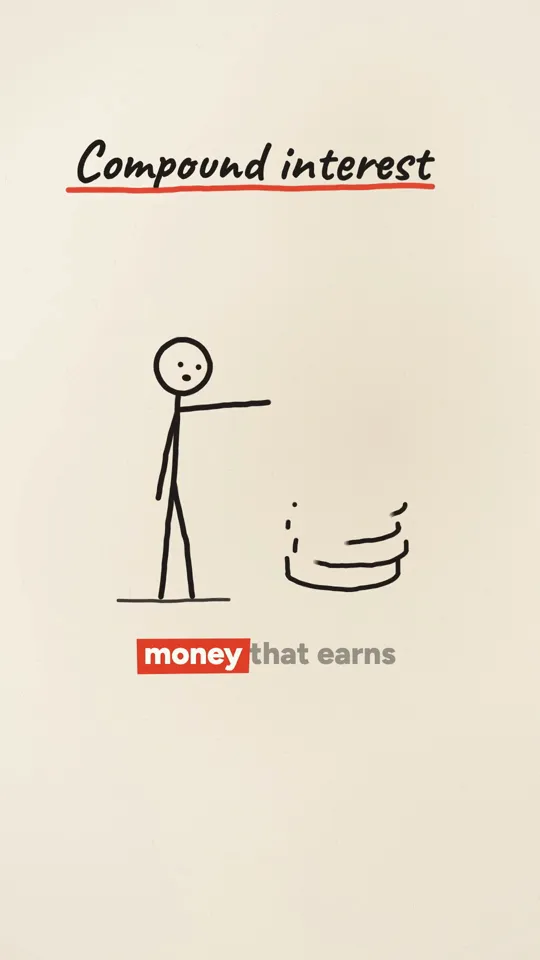
Ink stickman · 32 s
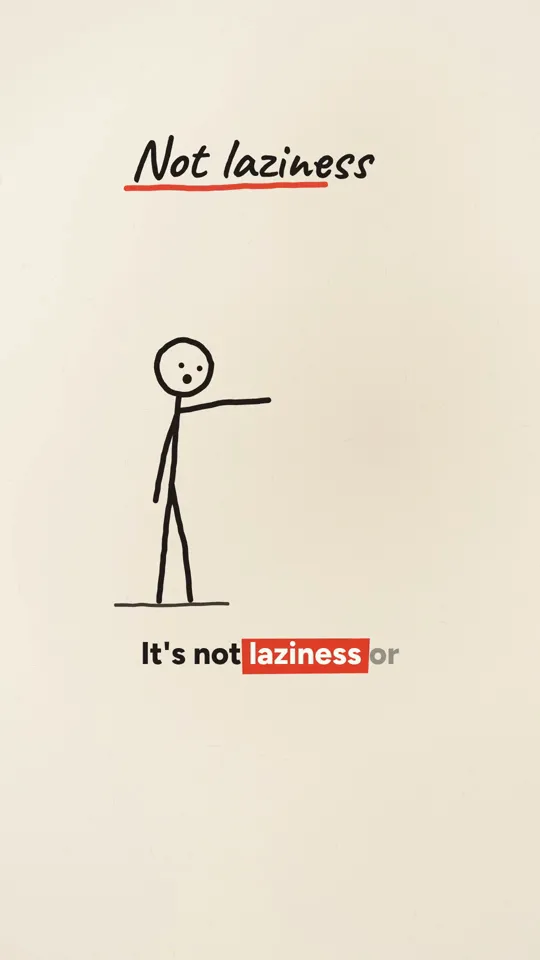
Ink stickman · 35 s
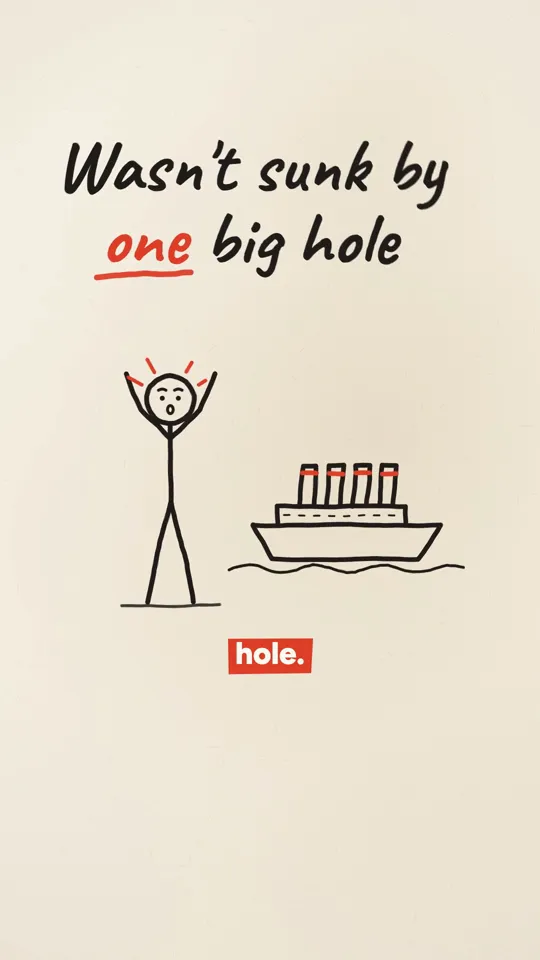
Ink stickman · 35 s
Step 7: render and sound
Render with your usual seek(t) capture loop at 24 or 30 fps (higher frame rates waste effort when the drawing is on twos), and encode at a generous quality, because grain and washes are hard for video compression; banding in smooth washes is the most common artefact. Adding a very light grain over the final frame helps the encoder as well as the look.
For sound, a soft score (Tobi's skill composes one per short) and a few textured effects (paper, brush, wind) suit the style. Keep the voice warm and unhurried.
A worked example: a 40 second verse Short
To see the pieces together, take a 40 second Short of a short poem in soft watercolour. The script is the poem itself, read slowly by a warm voice, with word times from the narration. The storyboard splits it into about a dozen shots, one image per line: a window at dawn, a cup with steam, a bird on a wire, a field under cloud. Each shot has one main action (the bird lifts off, the curtain moves) and one loop (steam rising, grass stirring).
The medium spec and a reference image of a real watercolour go into the project file, along with the banned list of web animation tells. Claude builds a small kit first: a wash function with edge bloom, a pencil underdrawing line, a paper texture, a seeded noise source. Stills of three shots come back for review; the first round's washes are too opaque, fixed by lowering the layer opacity and adding a second, offset pass. Characters move on twos, the line boils on a three-seed cycle, captions sit low in a soft serif, and the score is a quiet piano bed under the voice. That is a few rounds of direction, and the kit makes the next poem much faster.
Pitfalls
- Mood words instead of medium behaviour.
- Unseeded randomness, so the painting shimmers between frames.
- Smooth 60 fps character motion that reads as a puppet.
- Sliding layers, constant bobbing and software easing: the web animation tells.
- Too much detail for a phone screen.
- Compression banding in washes. Raise quality and add fine grain.
- Believing one-shot claims. Plan for many rounds on anything ambitious.
- Imitating a living artist or studio so closely that it reads as their work. Take the medium, not the identity.
Cost and time
There is no image or video model cost: it is all code, plus a voice. The cost is Claude usage, and this is the style where it adds up, because quality comes from iteration. Tobi's skill shows the other end: once the brushes, scene structure and pipeline are packaged, a short can render in under a minute, and he says a Pro plan supports dozens a day. The investment is building or adopting that kit once.
Doing it in about 3 minutes with WhatToUpload Video Studio
Painterly styles such as watercolour and oil are not live in Video Studio yet. Today you can pick Ink stickman, Kinetic type or Diagram explainer, with more being added. Ink stickman is the hand-drawn one: type one sentence and Claude writes the script and storyboard, our renderer draws the ink figure and lettering as code, ElevenLabs voices it and captions and sound are timed, in about three minutes.
A 30 second video is 26 to 30 credits, and plans are $19, $49 and $99 a month.
Sources and methodology
Built from creators' published posts and articles on X, read in full in November 2026. Times and volumes are creators' own claims; one widely shared example is disputed and labelled as such. Specs and code are our own.
- 01Tobi (@tobiadonadon_): How to Make Animated Short Videos (Shorts Animator skill)X Article, Oct 26, 2026. Render times and daily volume are his claims.
- 02Tobi: the workflow postOct 26, 2026.
- 03Mickey Friedman: drawn in pure JavaScriptOct 30, 2026. Method in her replies.
- 04Alexey Fateev: a poppy's life drawn frame by frameSep 16, 2026.
- 05Chetaslua: one-shot anime scene prompt (disputed in replies)Nov 2, 2026. Replies say the repo mostly embeds a video file.
- 06Vox (@Voxyz_ai): huashu-art-motionOct 12, 2026.
- 07Movez: course citing a 163-call watercolour shortX Article, Sep 27, 2026.
Frequently asked questions
Can Claude draw painterly animation without an image model?
Yes. It writes code that lays down strokes and washes with seeded noise on a canvas, frame by frame. Several creators have shared watercolour, oil and ink pieces made this way, usually after many rounds of direction.
Why does my code animation look like a website, not a drawing?
Usually smooth easing, sliding layers, perfect curves and uniform lines. Animate characters on twos, boil the lines with a few cycling seeds, and use brushes with width and opacity variation.
How long does a painterly Short take?
It varies widely. A packaged skill can render a short in under a minute once built; a bespoke, polished piece has taken creators dozens to hundreds of prompts and several hours.
Is it consistent from frame to frame?
Yes, if every random choice is seeded by the stroke's identity rather than by time. That is the main advantage over generated video.