
Claude motion graphics prompts that work with Opus 5.5
November 5, 2026 · 7 min read
The motion graphics people share from Claude Opus 5.5 rarely come from a clever one-liner. They come from a prompt that pins down the canvas, the look, the motion and the beats, and from two or three rounds of follow-ups after Claude has looked at its own frames.
This guide gives you the structure, three templates written from scratch for the three looks we render every day, and the follow-up prompts that turn a decent first render into one worth posting. No prompts are copied from other creators; where a public prompt is worth reading, we link to it.
Short on time? Video Studio does all of this from one sentence in about 3 minutes. See how
The three looks the templates below describe
Kinetic type, Ink stickman and Diagram explainer. Real renders, untouched.
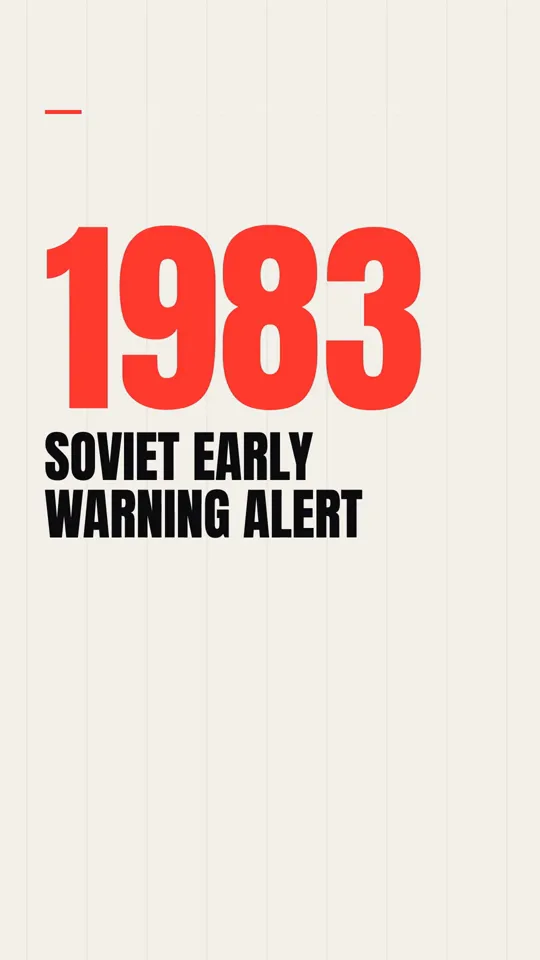
Kinetic type · 34 s
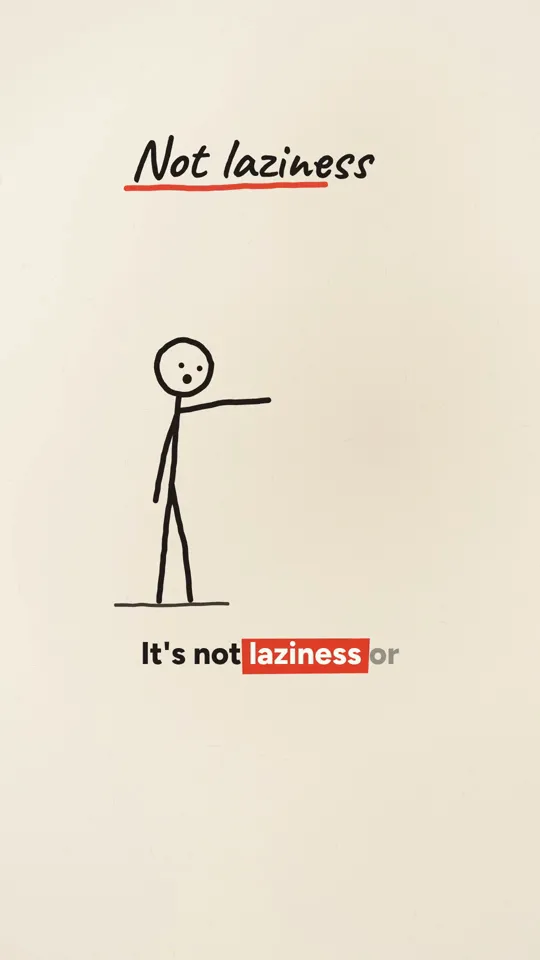
Ink stickman · 35 s
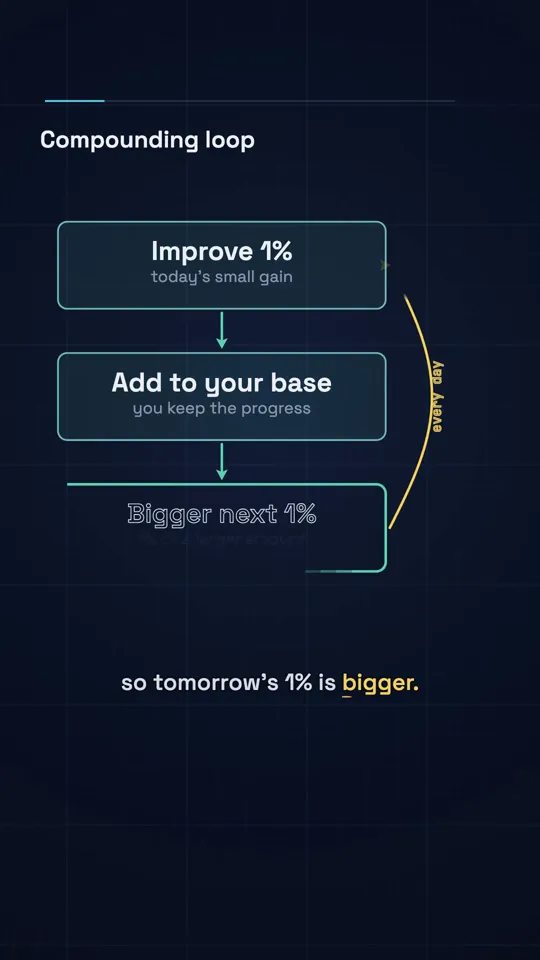
Diagram explainer · 41 s
Why one-line prompts disappoint
A short prompt like "make an amazing 15 second motion graphics video" is a fine benchmark of what a model can do unguided, and the famous one-shot showreels on X are exactly that. But for a video you want to post, a one-liner leaves every decision to defaults: a generic gradient, centred text, fades between everything, no idea where the platform buttons sit. One creator put it bluntly on X: by default Claude's editing looks poor, and the accounts that do well are the ones directing it.
A good motion prompt is less a request than a production brief. The parts are always the same, which is why a template works.
The seven parts of a motion graphics prompt
- Format: frame size, frame rate, duration and platform. 1080 by 1920 at 30 fps for Shorts, Reels and TikTok.
- The contract: one HTML page, every frame a pure function of t, a seek(t) function, no Date.now or unseeded random, no network. Without this, Claude may write an animation that only plays live and cannot be captured.
- Look: background, a palette of three to five hex colours with a role for each, one or two typefaces, texture. Say what the accent colour is for.
- Motion: the easing, how things enter and leave (cuts, wipes, draws on), how long a typical move takes, whether the camera moves.
- Beats: the script or the story as a list of moments with times. The hook in the first two seconds. A new visual every two to three seconds.
- Prohibitions: what to never do. Banned moves are as useful as wanted ones: no lens flares, no centred paragraphs, no text in the bottom fifth.
- Review: ask Claude to render stills at four timecodes and critique them against the brief before the full render.
Keeping look and motion as separate parts is the habit that pays off most. It lets you say "same look, faster cuts" or "same motion, warmer palette" without the rest of the video shifting.
Template 1: kinetic type
Big words that land on the beat of the voiceover. Cheapest to render and the base layer for hooks and quotes.
Make a 30 second vertical video as one HTML page.

FORMAT
1080x1920, 30 fps, 30 s. Expose window.__film = { width, height, fps,
duration, ready, seek(t) }. Every frame is a pure function of t. No
Date.now, no unseeded Math.random, no network. Fonts are local files.

LOOK
Background #0d0d0f. Words in #f4f1ea. One accent, #ff3b2f, used only on
the single most important word of each beat. One heavy grotesque
typeface, weights 800 and 400. Fine film grain at 4% opacity.

MOTION
Words arrive on the beat with a 0.25 s ease-out from 40 px below. Cuts,
not crossfades, between beats. Numbers count up over 0.6 s. No camera
moves except a 2% push-in across each beat.

BEATS (times come from voice.json word timings)
0.0  Hook: [THE SURPRISING NUMBER]
2.0  [WHAT IT MEANS]
...  one beat per sentence of the script below
END  Payoff line, held for 1.5 s

SCRIPT
[paste the script]

NEVER
Centred paragraphs. More than 6 words on screen. Text outside
x 90..910, y 260..1420. Gradients, glows, lens flares.

REVIEW
Before the full render, capture stills at 0.5 s, 8 s, 16 s and 28 s,
show them as one contact sheet, and list anything that breaks the
brief. Fix those, then stop for my approval.Template 2: ink stickman explainer
A single stick figure drawn on as the narrator talks. Reads as hand made, which suits life lessons and how-things-work topics.
Make a 35 second vertical explainer as one HTML page, same FORMAT
rules as before (1080x1920, 30 fps, window.__film, pure function of t).

LOOK
Warm paper #f5f1e8 with a faint fibre texture. Ink #1b1b1b, one red
#d6402e for emphasis only. Lines have slight pressure variation, drawn
with a seeded wobble so they look hand made but identical every run.
Hand-lettered labels, never more than 4 words.

MOTION
Every line draws on along its path (stroke dash offset driven by t),
0.4 to 0.8 s per stroke. The stick figure has three poses; it moves
between them with a 0.3 s ease-in-out, never teleports. One idea per
scene; scenes change with a page-turn wipe.

STORY
Hook as a question in the first 2 s. Then [3 to 5 steps of the
explanation]. End on one line that answers the hook.

NEVER
More than one figure. Clip art. Colour fills larger than a label.
Anything drawn outside the safe area.
Template 3: diagram explainer
Graphs and shapes that draw themselves on a dark grid. Best when the topic has a real number or a curve in it.
Make a 40 second vertical explainer as one HTML page, same FORMAT
rules as before.

LOOK
Background #0e1420 with a 60 px grid at 6% white. Primary line
#58c4dd, highlight #ffd166. Labels in a clean sans, numbers in
tabular figures.

MOTION
Axes draw first (0.5 s), then the data. Curves draw on left to right,
driven by t. When a value matters, a dot rides the curve and a label
counts to the value. Shapes morph into the next idea instead of
cutting.

DATA
[paste the real numbers and their source]. Plot them exactly; do not
smooth or invent points. Put the source in small type at the end.

NEVER
3D effects. Pie charts. Any number not in DATA.
The DATA block is the most important line in this template. A diagram explainer that plots an invented curve is worse than no video, and Claude will happily invent one if you do not give it the numbers.
Follow-up prompts that fix a render
After the first stills, these are the follow-ups we use most. Each names one problem and one fix, which works far better than "make it better".
- "The hook is not readable at phone size. Make the first beat at least 140 px and hold it for 0.4 s longer."
- "Beats 4 to 7 all use the same entrance. Vary them: one wipe, one draw-on, one scale from 0.9."
- "The accent colour appears on three words in beat 3. Keep it on the number only."
- "Captions sit under the platform buttons at 26 s. Move everything inside y 260 to 1420."
- "Nothing moves between 12 s and 15 s. Add a slow push-in or draw the next element earlier."
- "Render the four stills again and score each against the brief out of 10, with one sentence on what would make it a 10."
Craft rules worth putting in every prompt
- One hero element per frame. If two things move, one of them should be quiet.
- A new visual every 1.5 to 3 seconds on a Short; open a new question about every 10 seconds on anything longer.
- Write numbers twice in the script: "$440 million" for the caption, "four hundred and forty million dollars" for the voice, so text to speech reads them correctly.
- Lock the character before the story. If a figure appears, describe it once, precisely, and refer back to that description.
- Ban the phrases that make narration sound machine written: "in today's fast-paced world", "let's dive in", "it's important to note".
- Ask Claude to look at its own output. A contact sheet of stills is the cheapest review you can buy.
Public prompts worth reading
Several creators have published long, detailed prompts for specific looks: a flat space explainer with a full hex palette and mascot, a paper collage documentary with separate image and video prompts, a stickman survival series with its hook and HUD rules. They are worth reading to see how much detail a strong prompt carries. They are their authors' work, so read them at the source rather than pasting them into a product, and name your own versions generically rather than after the studio whose style inspired them.
Community indexes such as awesome-opus-5-5-video-prompts collect hundreds of examples with previews and the inputs each one needs.
Questions
What is the best Claude model for motion graphics?
Opus 5.5 is the model behind most of the shared examples, and in our work it is the one we use to plan and write film pages. Cheaper models do well at filling in a fixed template once the structure exists.
Can Claude make motion graphics in the chat app, without Claude Code?
It can write the HTML page, and you can preview it in a browser. To get an MP4 you still need something to capture the frames, which is why most people use Claude Code with a render script.
Why does my animation play in the browser but not render?
It is almost always time. If the page animates with requestAnimationFrame counters or CSS transitions instead of drawing from t, a capture script that seeks frame by frame sees the wrong state. Ask Claude to drive everything from seek(t).
How long should a motion graphics prompt be?
Long enough to cover format, look, motion, beats, prohibitions and review. In practice that is 200 to 400 words, plus the script. Shorter prompts work for experiments; longer ones work for videos you post.
Can I use these templates commercially?
Yes. We wrote them for this guide and you are free to adapt them. Check the licences of any fonts and music you add.
Sources
Cost and render figures are our own measurements from November 2026 unless a source says otherwise. View and revenue figures from creators are their own claims, linked so you can judge them.
- 01LeaddeOpenLab/awesome-opus-5-5-video-promptsCommunity index of Opus 5.5 video prompts with previews.
- 02LottieFiles motion-design-skillClassic animation principles written for agents.
- 03Claude Code docs: skills