
Tools
AI video and YouTube tools for creators
Every tool on WhatToUpload, in one place, with what each one costs said up front. Ten run free with no account. The video makers turn a topic into a finished vertical video and need a paid plan.
Make a finished video
Paid plans from $19/monthVideo Studio turns a one-line topic into a vertical video with a script, voiceover, timed captions, music and sound, in about three minutes. Each page below covers one way people search for it, with real renders to judge it by. A 30 s video is 26 to 30 credits, on plans from $19/month.
- Faceless video generatorA topic in, a finished faceless video out
- AI YouTube Shorts makerVertical, captioned, with voice and music
- AI motion graphics generatorType and shapes animated as code
- Claude video generatorClaude writes the storyboard, code draws it
- Kinetic typography video makerHuge words that land as they are spoken
- Stickman video makerA stick figure drawn in ink as you narrate
- AI explainer video generatorGraphs and diagrams that draw themselves
Three videos Video Studio made
Untouched renders, one per live style: Kinetic type, Ink stickman and Diagram explainer. Each started as a one-line topic.
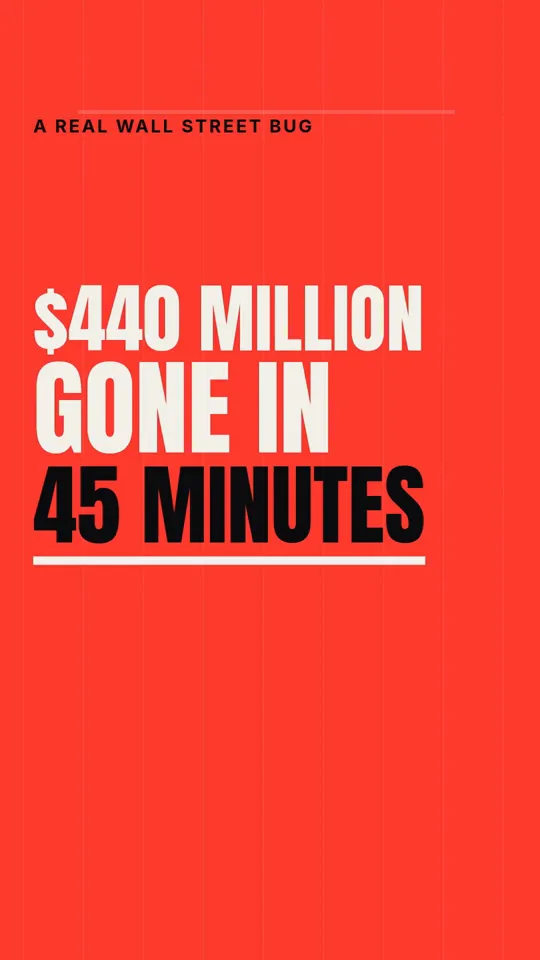
Kinetic type · 33 s
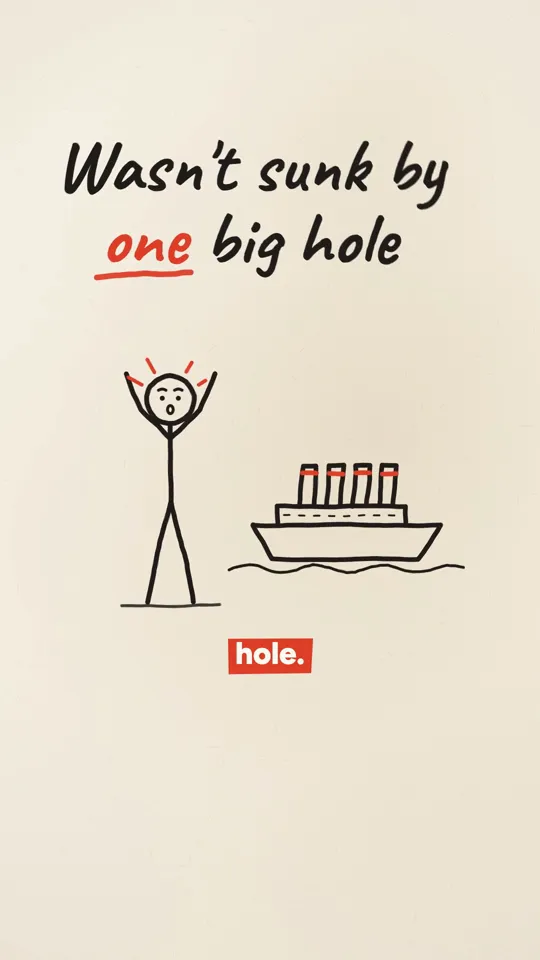
Ink stickman · 35 s
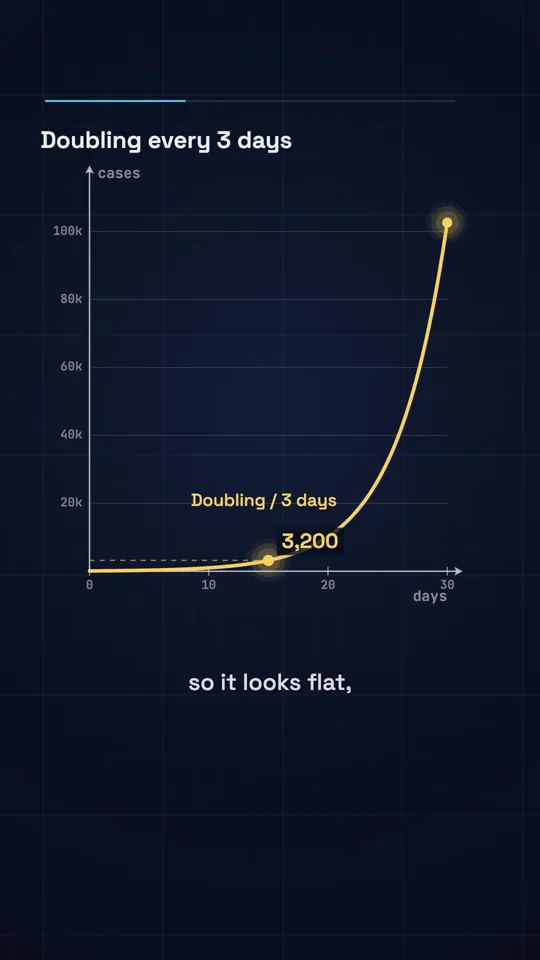
Diagram explainer · 41 s
Free tools, no account
Free, no signupThese run on the page with nothing to sign up for. Several also work as the first step of a video: find the idea, sharpen the hook, then make it.
- YouTube Title GeneratorSix titles on six strategies, with the reasoning
- YouTube Hook GeneratorSix opening lines in distinct styles
- YouTube Idea GeneratorSix filmable concepts for your niche
- YouTube Channel Name GeneratorSix names with the vibe each one sets
- YouTube Tags EditorDedupe and count tags against the 500-character limit
- YouTube Analytics AnalyzerOutliers and verdicts from your own Studio export
- YouTube Thumbnail PreviewTest a thumbnail at 360, 168 and phone width
- YouTube Title Length CheckerPixel-measured truncation per surface
- YouTube Niches by RPMRPM ranges across 18 niches
- AI Thumbnail Generator60 genre styles, your face, judged at feed size
Generators inside the app
Paid plans from $19/monthThese need a plan because each run is real model spend: a script is 5 credits and an upload kit 3.
Reference and guides
Free to readNumbers and guides that help you choose what to make before you make it.
Comparing AI video generators
If you are choosing between faceless video tools, these pages set us next to the alternatives with dated prices from each product's own pricing page, and say where they are stronger.
Questions
Which of these tools are actually free?
Everything under "Free tools, no account" and "Reference and guides" is free with no signup. The generators inside the app and Video Studio need a paid plan from $19/month; a 30 second video costs 26 to 30 credits.
Is there a free AI video generator here?
No. Every video is a real render with a script by Claude, an ElevenLabs voiceover and music, so it costs credits: 26 to 30 for 30 seconds. Plans start at $19/month for 500 credits, the price shows before every render and failed renders refund automatically. The sample videos on this page are untouched renders, so you can judge the output before paying.
Do the free tools add a watermark or save what I type?
The free text tools return text you can copy, with nothing added to it. Inputs are used to produce your result and are not published anywhere.
Can these tools post to YouTube, Instagram or TikTok?
Not yet. Auto-posting and scheduling are coming soon, on Pro and Studio. Today you download the finished video and upload it yourself.