
The four kinds of AI video generator
Before comparing tools it helps to know which family each belongs to, because they solve different problems and fail in different ways.
| Kind | What it makes | Best for | Where it struggles |
|---|---|---|---|
| Text-to-video models | A few seconds of generated footage from a prompt | Cinematic shots, b-roll, visual effects | Text on screen, consistency between shots, anything long |
| Avatar generators | A synthetic presenter reading your script | Training, sales and corporate updates | Looking natural; viewers spot it quickly |
| Stock stitchers | Stock clips or AI images cut to a voiceover | Fast generic explainers | Every video looks like everyone else's |
| Code-rendered video | Type, drawings and diagrams animated from a storyboard | Explainers, stories, facts, anything with words or numbers | Photoreal scenes and real-world footage |
Video Studio is the fourth kind.
How this one works
Claude writes a script and a storyboard that says exactly which words, shapes and lines appear on each beat. Our renderer then draws every frame from that storyboard, the way a motion designer would build it in an animation tool. A voice is recorded with ElevenLabs, the captions are timed to that voice's own word timings, and music and sound effects are mixed underneath.
Because frames are drawn rather than dreamed up by a video model, the text is always legible, shapes keep their proportions and one video's style matches the next. The trade is that it does not make photoreal footage. If you need a drone shot of a city, use a text-to-video model.
- Words on screen are typeset in real fonts, so nothing melts or misspells.
- A whole video comes out in one pass: you are not stitching four-second clips together.
- A series looks like a series, because the same style renders the same way every time.
- The price of each video is fixed and shown before it renders.
What you get in each video
Every render includes all of these, with nothing to assemble afterwards:
- A script drafted scene by scene, which you can read and change before anything is spent.
- A voiceover, with captions timed to each spoken word.
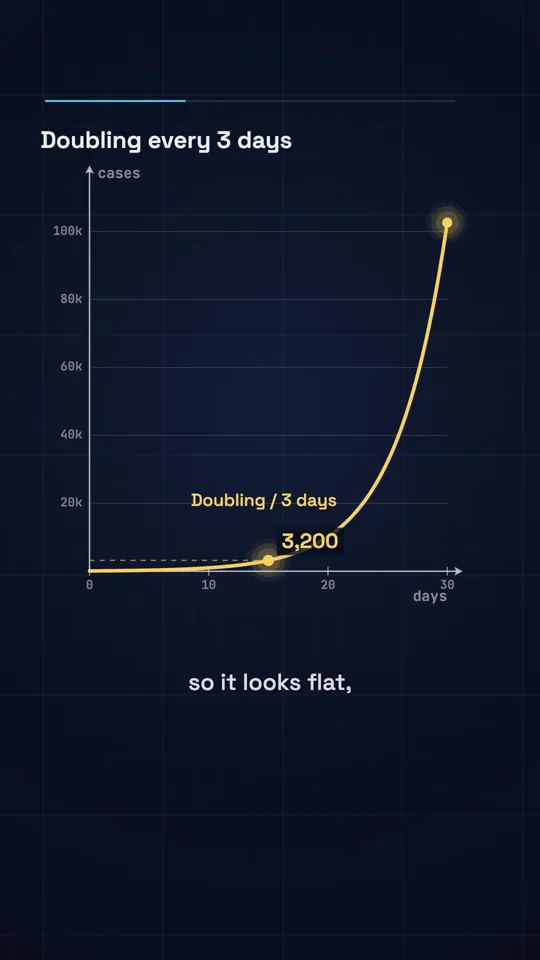
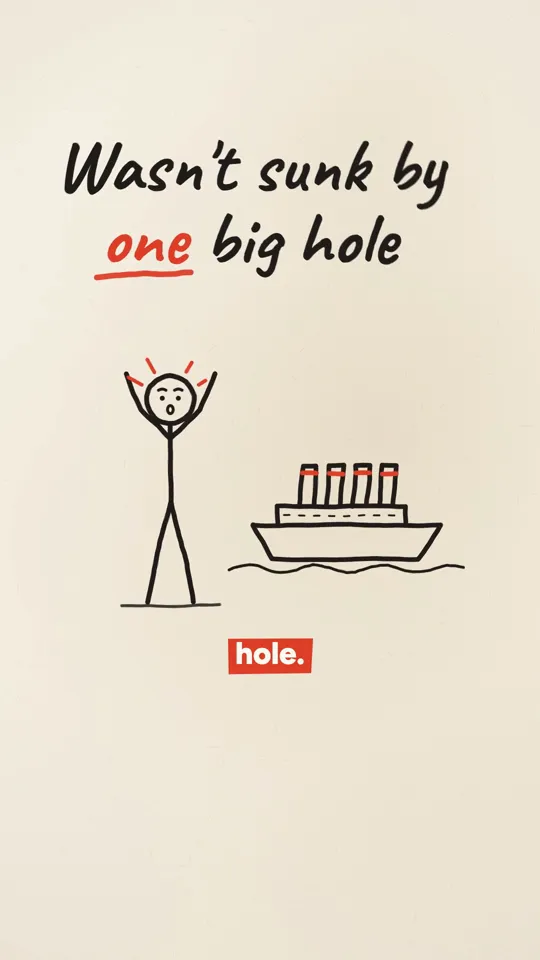
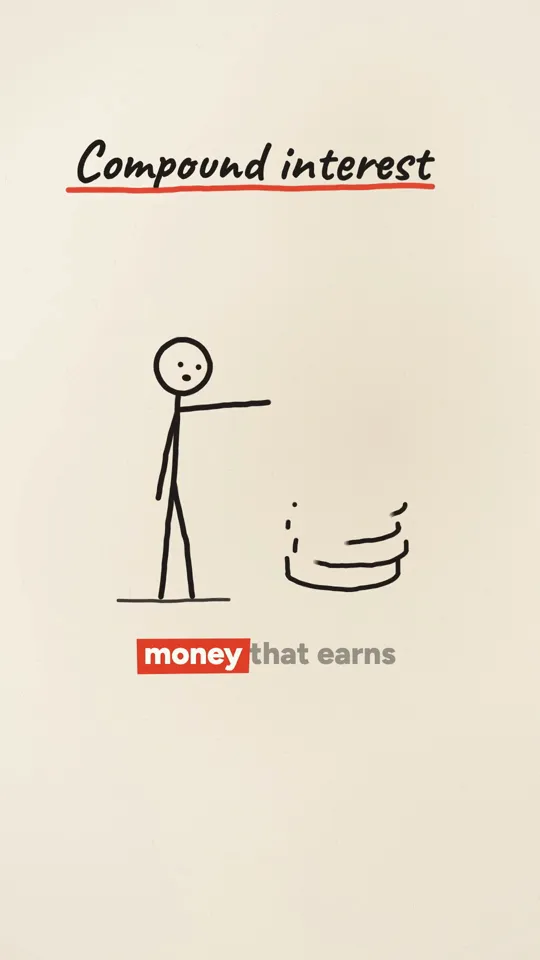
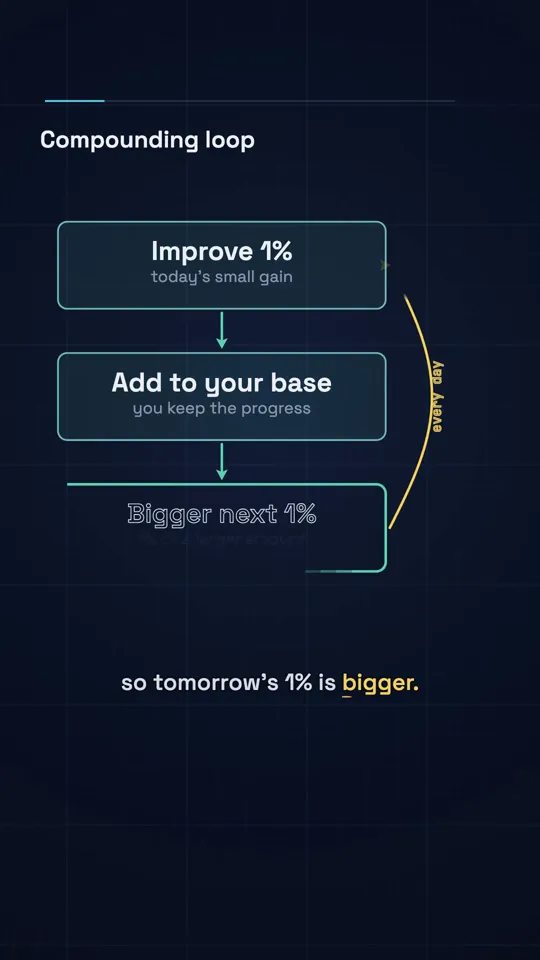
- Visuals in the style you chose, from 87 styles: big kinetic type, an ink stick figure, diagrams and graphs, illustrated stories and more.
- Music and sound effects mixed under the voice.
- A 9:16 video of 30 or 60 seconds for Shorts, Reels and TikTok, or a 16:9 video of several minutes for YouTube.
- A post caption and hashtags written with it, and an MP4 that is yours to use.
What it is good for
Anything where the story is in the words and the numbers. A specific claim or question makes a better video than a broad subject.
- Faceless channels: history, science, finance, psychology and business stories.
- Explainers: how something works, why something happened, what a number means.
- Education: one concept per video, with a diagram that draws itself.
- Product and company updates told as a short story with type and simple graphics.
Is there a free AI video generator?
Many tools advertise free and mean a trial that ends at the export button. Here the offer is exact: one free video per person. It is 30 seconds, vertical, in one of the basic styles, with a watermark. It is a full render with script, voice, captions and music, and you can download it.
After that it is paid, because each video has real costs in voice and rendering. Plans start at $19 a month at the launch price for 500 credits, about 19 thirty-second videos. The cost of every video shows before you render, and a failed render refunds its credits automatically.
How to generate a video with AI in four steps
Type a topic
One sentence. A specific claim or question works better than a broad subject.
Read the script
The studio drafts it scene by scene. Ask for changes in your own words, or tap research to check the facts. Nothing is spent until you make the video.
Pick a style, format and length
Choose from 87 styles, vertical or 16:9, and the length. The price is shown before anything renders.
Make the video
Voice, captions, visuals, music and render take about three minutes. Download the MP4, or on Pro and Studio post or schedule it to YouTube.
Styles and what each video costs
Prices are fixed per style and length, shown before you render, and charged only for a finished video: a failed render refunds its credits automatically.
| Style | Best for | 30 s video | 60 s video |
|---|---|---|---|
| Kinetic type | Facts, money, history, hot takes | 26 credits | 42 credits |
| Ink stickman | Explainers, life lessons, how things work | 30 credits | 48 credits |
| Diagram explainer | Science, maths, money and data stories | 30 credits | 48 credits |
| Systems explained | How apps work, system design, tech explainers | 30 credits | 48 credits |
| Avatar explainer | Tutorials, product walkthroughs, how-to | 45 credits | 75 credits |
| Comic book | Scary stories, mythology, legends, superhero-style origin stories | 85 credits | 160 credits |
| 3D cartoon | Acts of kindness, school drama, family stories, fables and lessons | 85 credits | 160 credits |
| Anime | Anime stories, school drama, rivals and friendship, fantasy adventures | 85 credits | 160 credits |
| Cinematic | History, heists, survival stories, famous mysteries | 85 credits | 160 credits |
| Dark fantasy | Mythology, legends and curses, scary stories, epic battles | 85 credits | 160 credits |
| Painterly | Bible stories, history, fables, mythology | 85 credits | 160 credits |
| Noir crime | True crime, heists, detective stories, unsolved cases | 85 credits | 160 credits |
| Flat cosmos | Space and science, biology and the body, how big or small things are, nature | 30 credits | 48 credits |
| Clip collage | History and politics, how something happened, business stories, timelines | 30 credits | 48 credits |
| Morph math | Maths and logic, how algorithms work, probability, physics | 30 credits | 48 credits |
| Storytime | Funny true stories, fails and disasters, life lessons, weird history | 30 credits | 48 credits |
| Market chart | Company growth, markets and prices, economics, money myths | 30 credits | 48 credits |
| Countdown | Top 5 to top 10 lists, records and extremes, rankings, history's biggest | 30 credits | 48 credits |
| Starry swirl | Space and the night sky, science, history, calm explainers | 45 credits | 72 credits |
| Water lilies | Nature and biology, calm facts, gardens, wellness | 45 credits | 72 credits |
| Pointillist | Perception and the brain, science, colour and light | 45 credits | 72 credits |
| Golden mosaic | Gold, wealth and treasure, history, chemistry | 45 credits | 72 credits |
| Tomb mural | Ancient Egypt, history, mysteries | 45 credits | 72 credits |
| Renaissance fresco | Inventions and engineering, history, biographies | 45 credits | 72 credits |
| Bauhaus | Design and technology, how things work, systems | 45 credits | 72 credits |
| Pop art | Happy accidents and inventions, pop culture, brands | 45 credits | 72 credits |
| Art nouveau | Paris and Europe, architecture, history | 45 credits | 72 credits |
| Dunhuang mural | Silk Road and Asia, history, religion and culture | 45 credits | 72 credits |
| Persian miniature | Ancient engineering, Middle East history, travel | 45 credits | 72 credits |
| Night diner | Sleep and the mind, late-night science, city life | 45 credits | 72 credits |
| Tilt-shift miniature | Cities and travel, logistics and transport, real estate, how a place works | 45 credits | 72 credits |
| Brick toy | Kids and family, how things are built, startups and products, space and science | 45 credits | 72 credits |
| Pop-up book | Stories and fables, kids and family, history, travel | 45 credits | 72 credits |
| Newsreel | History, inventions, business origin stories, world records | 45 credits | 72 credits |
| Impasto oil | Art and culture, history, emotional stories, cities at night | 45 credits | 72 credits |
| Urban sketch | Travel and places, city guides, food and cafes, architecture | 45 credits | 72 credits |
| Shadow puppets | Folk tales and legends, history, kids stories, moral lessons | 45 credits | 72 credits |
| Low-poly island | Games and tech, world building, climate and nature, startups | 45 credits | 72 credits |
| Isometric picture book | How things work, cities and buildings, jobs and industries, kids and family | 45 credits | 72 credits |
| HD-2D | Gaming, fantasy and legends, history as adventure, self-improvement quests | 45 credits | 72 credits |
| White model | Architecture and cities, urban planning, engineering, product design | 45 credits | 72 credits |
| Sci-fi toon | Science and tech, weird facts, comedy explainers, gaming | 45 credits | 72 credits |
| Glass product | Product launches, tech and gadgets, luxury, beauty | 45 credits | 72 credits |
| Satellite briefing | Geography and borders, climate and disasters, mega projects, military history | 45 credits | 72 credits |
| Archive light table | History, archives and discoveries, biographies, investigations | 45 credits | 72 credits |
| Microscope | Biology and health, science explainers, food and fermentation, germs and immunity | 45 credits | 72 credits |
| LiDAR scan | Cities and infrastructure, archaeology and ruins, engineering, disasters and change | 55 credits | 88 credits |
| Riso print | Indie brands, lifestyle, zines, music | 30 credits | 48 credits |
| Amber terminal | Tech history, hacking and security, developer tools, sci-fi | 30 credits | 48 credits |
| Swiss grid | Design and architecture, brand stories, business explainers, events | 30 credits | 48 credits |
| Case file | True crime, mysteries, funny investigations, pets and animals | 30 credits | 48 credits |
| Game show | Quizzes and trivia, rankings, kids and family, year in review | 30 credits | 48 credits |
| Blueprint | Engineering, how things work, inventions, hardware | 30 credits | 48 credits |
| Gilded deco | Luxury and fashion, galas and events, jazz-age history, hotels and travel | 30 credits | 48 credits |
| Chalkboard | Lessons and explainers, myth-busting, word origins, math and science | 30 credits | 48 credits |
| Whiteboard | How-to explainers, online courses, business ideas, productivity | 30 credits | 48 credits |
| Dark keynote | Product launches, tech and AI news, startups, SaaS tips | 30 credits | 48 credits |
| Feed news | News explainers, money and markets, viral facts, data shorts | 30 credits | 48 credits |
| News bulletin | Weekly round-ups, breaking explainers, market updates, sports news | 30 credits | 48 credits |
| Atomic fifties | How-to and set-up guides, home and cooking, retro brands, life hacks | 30 credits | 48 credits |
| Rubber hose reel | Food and drink, retro brands, fun history, kids | 30 credits | 48 credits |
| Silent intertitle | History stories, anniversaries, old inventions, comedy | 30 credits | 48 credits |
| Ink wash | Philosophy and quotes, culture and history, calm explainers, poetry | 30 credits | 48 credits |
| Woodblock wave | Travel, Japan and culture, nature and the sea, history | 30 credits | 48 credits |
| Woodcut | Folk tales, dark history, craft brands, book stories | 30 credits | 48 credits |
| Copperplate | Science and nature, museums and heritage, old maps and explorers, medicine history | 30 credits | 48 credits |
| Travel poster | Travel and places, city guides, outdoors, events | 30 credits | 48 credits |
| Sixties titles | Mysteries and heists, spy and war history, trailers, fashion | 30 credits | 48 credits |
| Pictogram grid | Catalogues and countdowns, city and public services, step-by-step guides, brand facts | 30 credits | 48 credits |
| Circuit board | Energy and electricity, chips and computers, supply chains, how the internet works | 30 credits | 48 credits |
| Transit map | Cities and transport, growth over time, networks, travel tips | 30 credits | 48 credits |
| Data story | Data journalism, economics, climate and science, health statistics | 30 credits | 48 credits |
| Hologram HUD | Space and future tech, specs and comparisons, gaming, AI | 30 credits | 48 credits |
| 16-bit quest | Gaming, nostalgia, level-up and self improvement, fantasy and lore | 30 credits | 48 credits |
| Neon night | Music, retro tech and games, night life, cars | 30 credits | 48 credits |
| Stained glass | Legends and myths, medieval history, heritage, holiday stories | 30 credits | 48 credits |
| Red paper-cut | Festivals and holidays, folk tales, greetings, food traditions | 30 credits | 48 credits |
| Paper lightbox | Journeys and travel, bedtime and calm stories, places and memories, anniversaries | 30 credits | 48 credits |
| Crayon book | Kids and family, bedtime stories, simple science, feel-good facts | 30 credits | 48 credits |
| Watercolour journal | Nature and travel, food and gardening, wellbeing, science of everyday life | 30 credits | 48 credits |
| One line | Brand stories, life lessons, minimal ads, psychology | 30 credits | 48 credits |
| Memphis pop | Lifestyle and design, pop culture, fun facts, fashion | 30 credits | 48 credits |
| Agit-prop | Industry and labour history, big achievements, revolutions, manifestos | 30 credits | 48 credits |
| Found tape | Mysteries and unsolved cases, creepy facts, internet legends, psychology | 30 credits | 48 credits |
| Match analysis | Sports analysis, strategy and tactics, competition stories, business rivalries | 30 credits | 48 credits |
| Night city | Cities and urbanism, economy and scale, commuting and work, night life | 30 credits | 48 credits |
| Isometric blocks | Process explainers, supply chains, how companies work, logistics | 30 credits | 48 credits |
Creator $19/month for 500 credits (about 19 videos), Pro $49 for 2,000 (about 75), Studio $99 for 4,500 (about 170). Counts assume 30 s Kinetic type videos. Cancel any time.
What it does not do yet
Worth knowing before you sign up. These are coming soon and are not live today.
- Posting to Instagram and TikTok from the app. Posting and scheduling to YouTube work today on Pro and Studio; for the other two you download the MP4 and upload it yourself.
- Series and autopilot, where a new episode is made on a schedule without you starting each one.
- Gameplay split-screen and fake text conversation formats.
Questions
What is an AI video generator?
A tool that makes video from text. Some generate short clips of footage from a prompt, some put a synthetic presenter on screen, some cut stock clips to a voiceover, and some, like WhatToUpload's Video Studio, write a script and animate type, drawings and diagrams from it into a finished video.
Is this AI video generator free?
Your first video is free: 30 seconds, vertical, watermarked, one per person. After that, plans start at $19 a month at the launch price.
Which AI video generator is best?
It depends on the video. For photoreal footage, a text-to-video model. For a talking presenter, an avatar tool. For a finished, narrated explainer or story with crisp text, a code-rendered tool like this one. Watch real outputs from each before paying; the samples on this page are untouched renders.
Can I use the videos commercially?
Yes. The video is yours to post, monetise or use for clients. Each platform's own rules still apply.
How long can the videos be?
Vertical videos are 30 or 60 seconds. 16:9 videos for YouTube run several minutes.
How do credits work?
Each video costs a fixed number of credits by style and length, shown before you render: a 30 second video is 26 to 30 credits in the basic styles. A failed render refunds its credits, and credits roll over while you stay subscribed.
Does it generate footage with models like Veo, Sora or Kling?
No. It does not generate footage. Every frame is drawn by our renderer from a storyboard Claude writes, which is why text stays sharp and nothing drifts between frames.
Do I need any editing skills?
No. You make two decisions, the topic and the style. There is no timeline and nothing to assemble.